
AI in Architecture: The AI Challenge
AI can generate fast design options—but architecture gets judged in code, review, and on site. Here’s what AI is good for, where it fails, and how to use it safely.
AI is making it cheaper to generate options and easier to produce “convincing” output. That’s useful. It’s also dangerous, because architecture isn’t judged by how convincing it looks — it’s judged by whether it holds up in review, in code, on site, and five years into occupancy.
The AI Trap in Architecture: Pretty Output, Broken Details
This isn’t the usual “AI will change everything” story. It’s a stress test: what AI is actually good for, where it breaks, and how to use it without letting it quietly wreck your drawings.
As professional architects, students, or even just people obsessed with the built world, what should we expect?
Where AI Helps Architects (And Where It Quietly Breaks the Project)
Where AI helps (right now)
AI Won’t Replace Architects — But It Can Replace Your Judgment If You Let It
AI is strongest when the work is repetitive, comparative, or visual. That usually means early iteration, coordination support, and communication — not final responsibility.
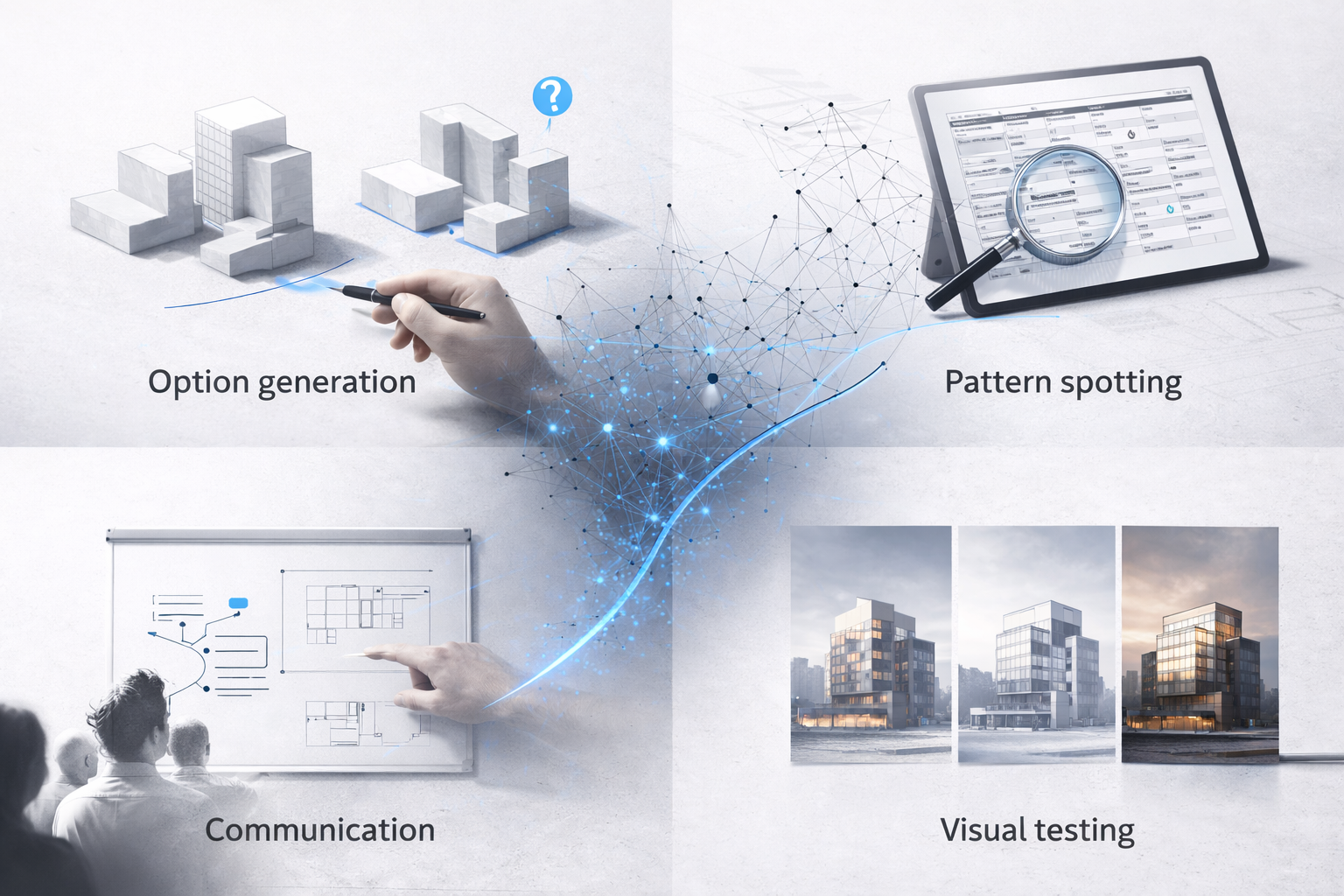
Here are the tangible areas where it earns its keep:
Option generation. Fast massing variations, quick adjacency studies, and the usual “what if we rotate / swap / shrink this?” iterations. It’s good for producing lots of plausible directions so you can react and choose.
Pattern spotting. Catching the boring-but-expensive stuff: conflicts, missing tags, inconsistent naming, duplicated views, and schedule weirdness. It won’t understand intent the way you do, but it can scan for anomalies faster than a human.
Communication. Quick explainer diagrams and alternate ways to say the same idea depending on who’s listening (client vs. planning vs. contractor). It’s useful for getting alignment early, before everyone builds their own story in their head.
Visual testing. Early material moods and lighting intent—helpful for direction-setting, but not proof of performance. Treat it like a sketch: good for conversation, bad as evidence.
If you want a practical view of how offices stack tools (AI + BIM + rendering + review), this internal guide helps: AI tool stacks architects actually use.
Where AI breaks
(and why it gets people embarrassed in crit)
AI output is easiest to trust when you’re tired. That’s exactly when it’s most likely to slip errors into your work. The failure modes are predictable:
Hallucinated “facts.” It will confidently invent code requirements, product specs, structural logic, and climate-performance claims. Sounding right isn’t the same as being right.
Fake precision. Clean-looking dimensions that don’t reconcile, door swings that ignore clearances, stairs that don’t actually work, “reasonable” numbers that collapse the moment you trace them through a plan.
Design-by-image. Seductive renderings that hide spans, wall thickness, egress, and services — the classic “looks real” trap. You end up defending a picture instead of a building.
Liability confusion. AI doesn’t stamp drawings. You do. The risk doesn’t transfer just because the output came from a tool.
Use AI like a junior assistant: great for drafts, options, and checklists — not allowed to make final calls unsupervised.
What changes in the design workflow (phase by phase)

AI doesn’t “replace” phases. It shifts where you spend your time. You move faster up front — and then you either spend that saved time on tighter coordination… or you pay it back later when the building starts arguing with your drawings.
Concept / schematic: You can generate and test more options, faster. The win isn’t “more options.” It’s killing the weak ones early — before you get emotionally attached.
DD (design development): Use AI for boring consistency work: tags, view names, missing notes, mismatched schedules, odd repeats. The win is fewer stupid misses that derail coordination.
CD / permit set: AI can help you scan for coordination gaps, but it can also confidently invent details. Treat it like autocomplete: useful for draft support, not a source of truth.
CA (construction admin): Quick summaries of RFIs/submittals, and spotting patterns across issues (the same detail failing in three rooms). But it shouldn’t “decide” anything without you checking the actual documents.
Where AI helps most is the messy middle — coordination and communication. Where it hurts most is the false confidence it gives you when you’re tired.
AI and visualization: useful, but not evidence
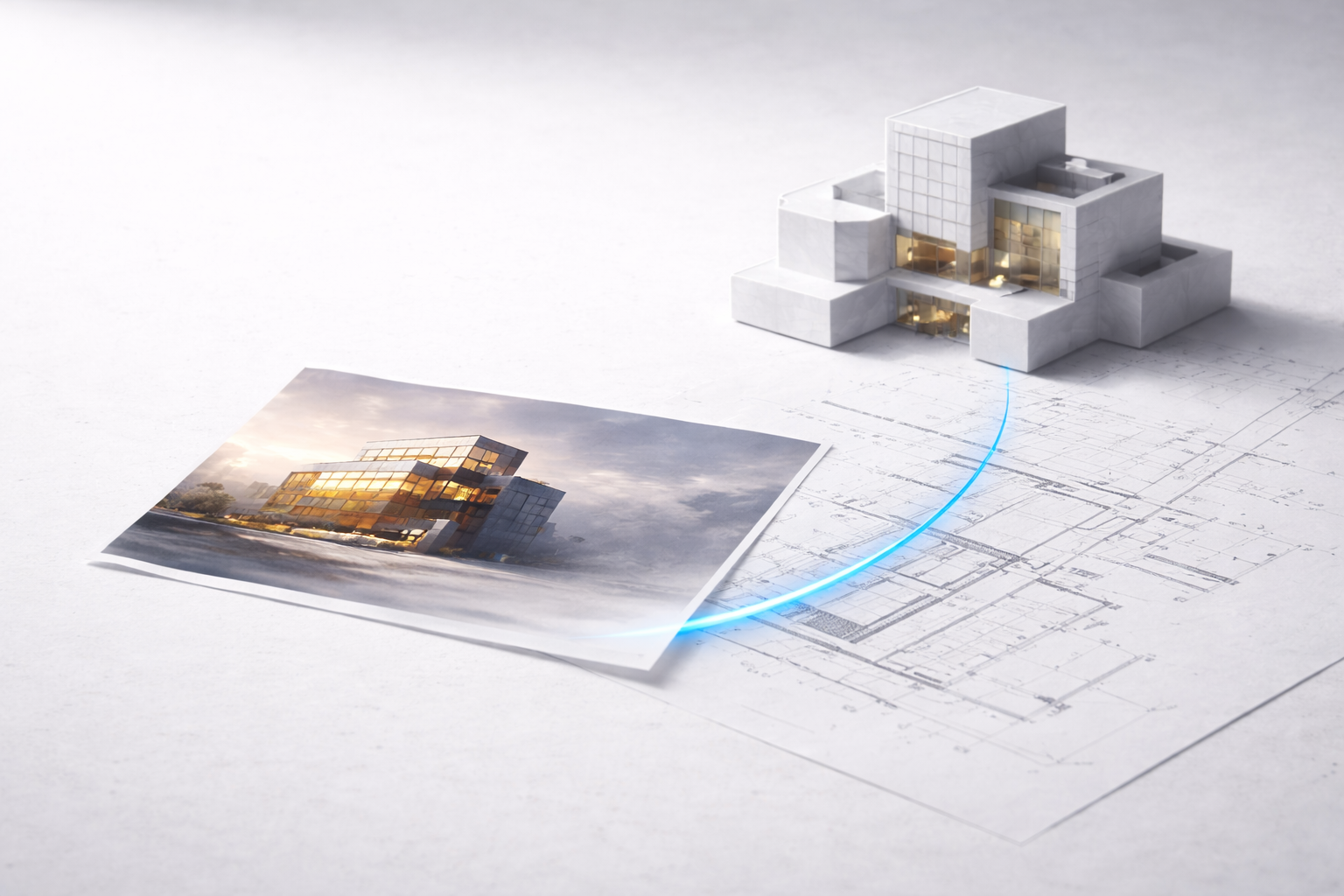
Renderings are getting cheap and fast. That’s good for exploration. It also means the market is about to get flooded with “looks expensive” images that don’t describe buildable assemblies.
Use AI images for vibe and hierarchy: light intent, material contrast, massing read. That’s real value.
Just don’t pretend it’s evidence. An AI image can’t prove daylight, glare control, thermal comfort, code compliance, structure, or cost.
My rule: every time an AI image “solves” something, force it back into drawings. Where is it in plan/section/detail? If you can’t locate it there, it’s not solved — it’s just illustrated.
If you’re updating how you present work to clients, this is a useful reference point: how AI is changing architectural renderings.
AI on site: less hype, more monitoring and control
The near term value on construction sites is data and prediction, not humanoid robots replacing trades overnight. Think progress tracking, safety monitoring, logistics forecasting, and catching problems earlier.
Progress verification: compare site photos or scans to the model intent and flag deviations early.
Safety: spot high risk patterns and near misses. Good systems can reduce incidents, but the setup and culture matter.
Scheduling: identify bottlenecks and sequence conflicts before they turn into change orders.
For a grounded overview (what robots can and can’t do), keep this one in the loop: AI in construction: the realistic limits.
AI on site: less “robots building everything,” more monitoring and control
Practice reality: data, privacy, and the “who owns this output?” problem
AI changes practice faster than it changes licensing. The pressure points are boring but serious:
Client confidentiality: don’t paste sensitive drawings or specs into tools that aren’t approved for it.
IP and authorship: know what your tool’s terms say about training data and reuse.
QA/QC: you need a repeatable review process, because AI output isn’t consistent.
Office standards: if AI writes notes or details, it has to match your details library and spec language, or you’ll create chaos.
If you want a clean discussion you can point nervous people to, this internal page frames the fear without hype: architecture and the fear of AI.
What to learn (students + juniors) so you’re not replaceable
AI rewards fundamentals. If you actually understand structure, envelope, code, and documentation, you’ll get faster. If you only know prompts, you’ll get exposed.
Get sharp on basics: plans and sections, code logic, assemblies, coordination.
Learn model hygiene: naming, parameters, schedules, standards, clean data.
Use AI for drafting and checking: summaries, checklists, clash narratives, then verify.
Build taste and judgment: AI can generate. It can’t prioritize like a competent designer under constraints.
Start with something practical (not philosophical): how architects can actually use ChatGPT at work.
FAQ
Will AI replace architects?
It will replace parts of the job — especially repetitive drafting, early visualization, and basic documentation support. It won’t replace responsibility, coordination across trades, or professional liability. The risk shifts to people who don’t adapt.
Should students use AI for studio?
Yes — if it’s used to iterate and test, not to dodge thinking. If AI output can’t be explained in plan/section/detail, it’s not a design. It’s an image.
Can AI do code compliance?
It can help you build checklists and spot obvious misses. It cannot be trusted as the authority. Always verify against the actual code and your jurisdiction’s interpretations.
What’s the best “AI skill” to learn?
Being able to translate messy intent into clear drawings and buildable assemblies — and catch your own mistakes. AI amplifies that. It doesn’t substitute for it.
Where this is going next
The next few years won’t be “AI designs buildings.” It’ll be “teams who use AI well deliver faster, coordinate better, and make fewer expensive mistakes.” The firms that win will have strong standards, strong fundamentals, and a clear line between assist and decide.
If you want the bigger-picture pressure map (climate, cities, policy, tech), this is the clean follow-up: future pressures on building design after AI.
More
AI Tools & Workflows for Architects
-
AI Tool Stacks for Architects: ChatGPT, Revit, Enscape, and Beyond
-
AI Design Software: Tools for Architects & Designers in 2025
-
Open AI Design Software: Tools for Architects & Designers in 2025 configuration options
AI in Interior & Furniture Design
AI in Building & Architectural Design
-
Artificial Intelligence in Building Design: Transforming Architecture
-
Crafting Customized Designs with AI: Learning Client Preferences
-
Artificial Intelligence Design: How AI is Revolutionizing Architecture
-
AI Architecture: Impact on Architecture, Design & Construction
-
Artificial Intelligence in Architecture: The Future of Building
-
How AI is Revolutionizing Architecture? Shaping the Design of Tomorrow
AI in Construction & Project Presentation