

Architecture, Design, and the Fear of AI: Who Should Worry and Who Shouldn’t
AI is now part of the work. New tools generate floor plan starts, clients send AI-made mood images, and project teams see AI in construction and FM. The people who will feel pressure are the ones who refuse to let AI handle repetitive tasks. The people who blend AI with drafting, BIM, visualization, and client communication will look faster and more organized. AI isn’t the problem — not adapting is.
Below is a practice-first look at where AI actually helps, where it still needs a human, and how to keep control. For a broader background on architects being uneasy about this shift, see this overview of architects and AI concerns. This page focuses on day-to-day use.
Why some architects are worried

A lot of anxiety comes from seeing AI do things that used to eat hours: image restyling, basic layouts, scope notes, even schedule checks. That makes it feel like the profession is being pushed aside.
Most of the common fears look like this:
- “AI will draw full permit sets.”
- “AI will erase design taste.”
- “AI will make every building look identical.”
- “Client data will end up on public servers.”
- “Learning one more tool is too much.”
In real practice, AI still sits beside the workflow. It suggests, drafts, or cleans — it doesn’t close a project on its own. A good example of that stack is in this AI + Revit + Enscape workflow, where AI feeds the process and BIM stays the source of truth.
What AI is good at right now
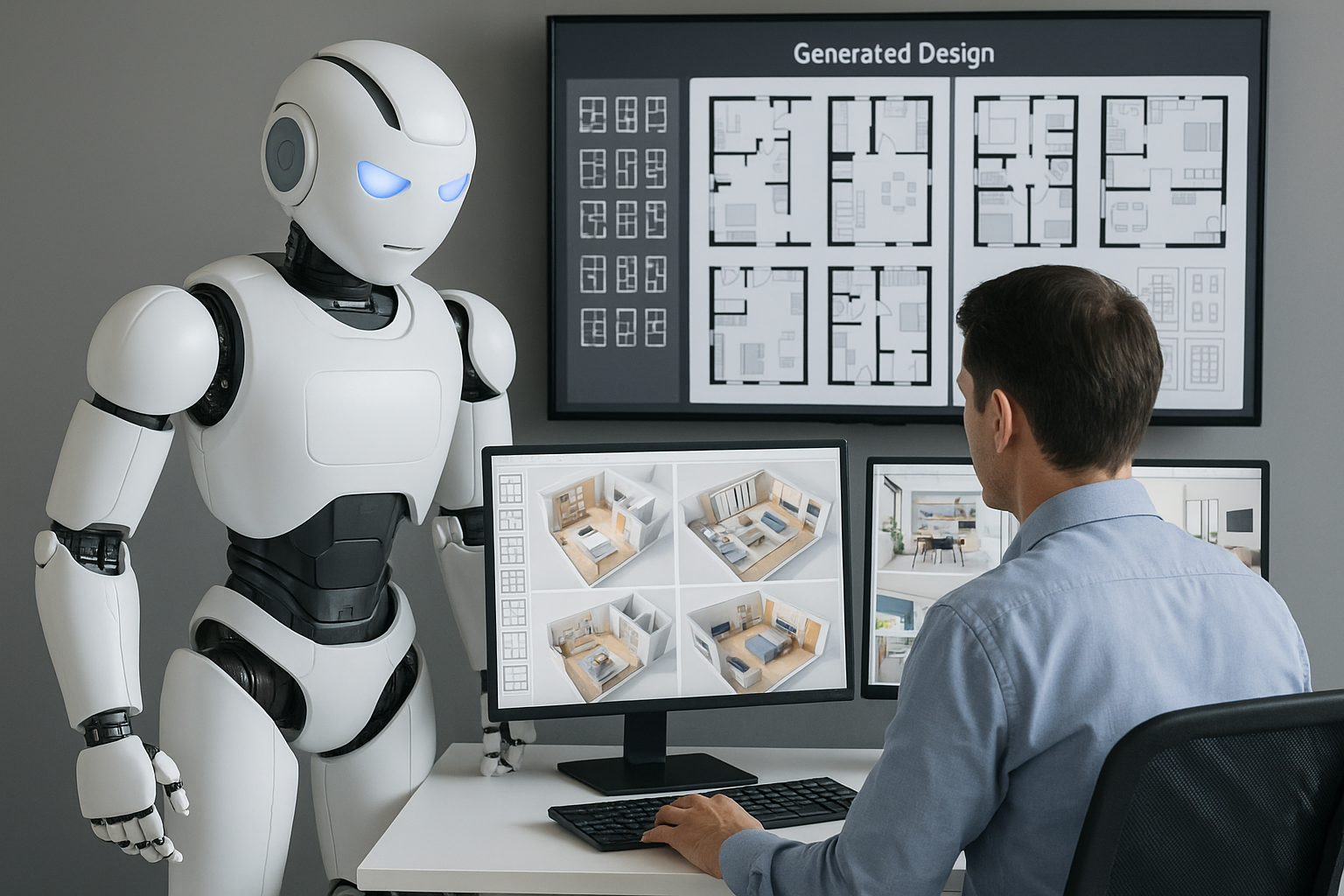
AI is strong at pattern and drafting work — the things humans can do but don’t want to repeat. It’s useful for:
- Turning long client emails into usable inputs. One paragraph becomes a room list, adjacencies, and questions. A workflow like the one in this guide to using ChatGPT in architectural tasks shows how to do that.
- Generating starting options. Given a footprint, basic code limits, daylight goals, or program, AI can produce several plan or massing starts. The architect then keeps the viable ones.
- Producing fast visual studies. AI can restyle a lobby, swap materials, or warm up a space so the client grasps the intent.
- Helping with simple checking. It can read schedules or text and flag obvious gaps before they become RFIs.
For a wider view of how AI connects to building-level decisions, see this AI in building design page.
What AI is bad at
There are still clear limits:
- Local codes and approvals: AI can guess clauses but won’t match your jurisdiction exactly.
- Buildable assemblies: it can describe a wall, but warranty, manufacturer data, and liability still need human control.
- Site and context: AI doesn’t stand on the street, feel the wind, or hear the neighbor’s plant.
- Client dynamics: AI doesn’t know the internal politics behind a design choice.
Used in those boundaries, AI removes setup time but doesn’t replace architectural judgment.
Who should actually worry

People who offer only repetitive output — tracing, basic 3D massing, simple image prep — and refuse to add AI on top will feel price pressure. Other teams will deliver the same base work plus AI variations, plus client-friendly visuals, in less time.
Teams that can add “we can show an AI interior variation during the proposal” tend to win the job faster. That matches the way AI visuals are used in this article on AI-upgraded renderings.
Who gets stronger with AI

AI multiplies people who already know what they’re doing. Clear planners, good interior designers, BIM coordinators, and project architects all benefit because AI removes the slow documentation and explanation parts.
Compare two setups:
- Office without AI: lots of PDF emails, 2D drafting, render only at the end.
- Office with AI: BIM as base, AI to turn meeting notes into tasks, AI to restyle model views for client previews.
The second office looks faster and more prepared. A full breakdown of that type of stack is here: AI tool stack for architects.
Client-facing uses that work today
These are patterns already in use:
- Before/after previews: existing room photo → AI-improved version → client buys the idea.
- Material swaps: same view with timber, stone, or paint variations — good for interior fit-outs.
- Program checking: AI compares the brief to what’s on the plan and flags missing rooms.
- Quick project descriptions: AI drafts the text so the project can be published and linked to core pages like AI in building design.
For a visual-heavy reference, Artificial Intelligent Architecture shows what these image tools can produce.
Risks to watch

To keep AI safe and professional:
- Protect client data: don’t upload unreleased drawings to public models.
- Correct style bias: some tools default to the same hotel-style interiors; push them toward local materials and climate.
- Limit option overload: generate many, present a few.
- Teach with explanations: students and juniors should show process, not just AI pictures. A current tools list is at this 2025 AI tools page.
What the next wave will look like
The direction is clear:
- Model-aware tools that read Revit/Archicad directly.
- Client portals that let owners view AI variations and comment.
- Site-linked AI that works from point clouds, GIS, or photos.
- Cost-sensitive AI that ties material changes to budget impacts.
Early adopters of those tools set the pace, they don’t get replaced by them.
Features most teams haven’t tried yet
A few things AI can already do but many offices skip:
- Check rooms against accessibility clearances based on size and use.
- Turn spoken program notes into a block plan to trace properly in CAD.
- Read a client’s mood board and return design keywords, then match to the firm’s material library — the same idea shown in this page on AI for client-tailored designs.
- Clean old project photos and show them next to upgraded AI versions for renovation pitches.
FAQ
Will AI take architect jobs?
It will reduce purely repetitive drafting. It won’t replace people who design, coordinate, or lead clients.
What should be learned first?
Start with text-based AI for briefs and notes, then image AI for fast visuals, then connect both to BIM. A clear order is laid out in this AI stack explanation.
Can AI work be shown to clients?
Yes — label it as a study or concept. For more formal visuals, follow the flow in this article on AI-supported rendering.
Is AI okay for confidential projects?
Only with private or on-prem tools, or after removing names, locations, and budgets.
What happens if AI is ignored?
The work is still possible, but it will look slower than teams that use AI to draft, check, and present. Slower usually means less competitive.
Closing
AI in architecture right now is a speed layer. It cleans text, produces starting layouts, and upgrades images so clients understand faster. Architects stay in charge of site, code, culture, and buildability. The people who blend both — human decisions and AI assistance — are the ones who keep the work.