
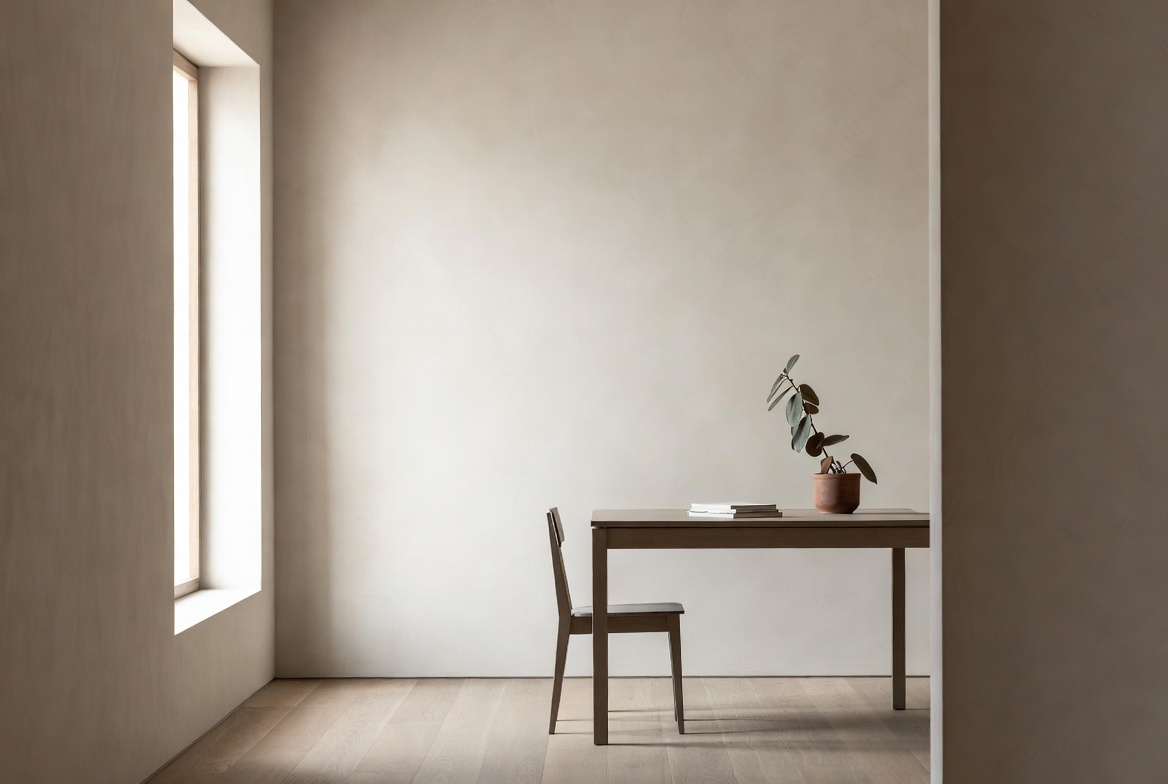
Image by ArchitectureCourses.org. A study model beside a polished interior render shows the jump from design work to believable architectural visualization.
Make the Design Easy to Read
If the building is still hard to understand, the render did not help.
The point is to make the project clearer. Light, scale, materials, and viewpoint should help someone read the design fast, especially in a crit, review, or portfolio.
If your presentation base still feels weak, read Architectural Presentation and Rendering and Architectural Drawing Basics Every Architect Must Know first. Good renders grow out of clear drawings, not the other way around.
What a Student Render Needs to Do
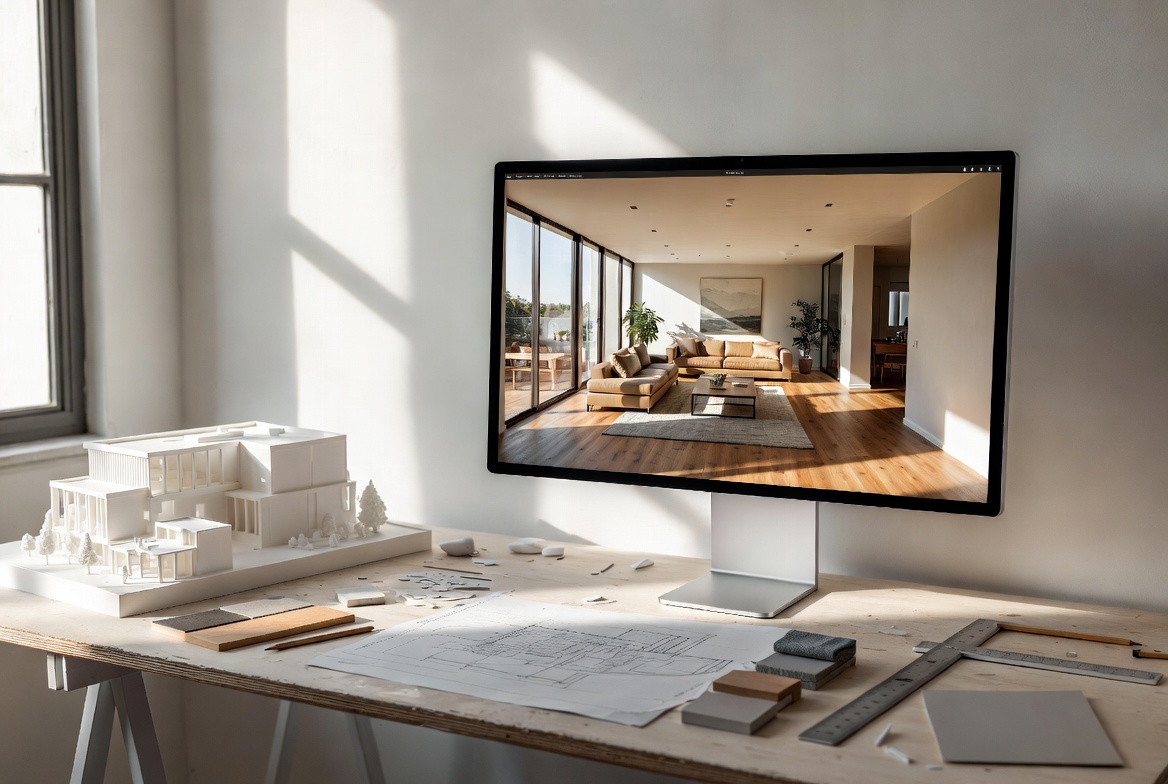
Image by ArchitectureCourses.org. A clean studio setup shows the kind of simple model, drawings, and interior scene students should start rendering first.
In school, a render is not there to prove you own expensive software. It is there to help someone understand the project quickly.
| What the render should show | What matters most | What to cut back |
|---|---|---|
| Massing and form | Clear silhouette, clear ground line, clean shadows | Too many textures too early |
| Space and light | One strong camera angle, believable daylight, readable openings | Dark corners and dramatic effects with no purpose |
| Scale and use | A few people, a few trees, one path or entry move | Crowds, cars, and random furniture everywhere |
| Material mood | Two or three main materials shown clearly | Ten competing finishes fighting for attention |
That is why one clean render often beats five busy ones. If the viewer sees the project faster, the image is doing its job.
Fix the Model Before You Render
Bad models make bad renders. That sounds obvious, but students still try to light and texture a model that is not solved yet.
Before you open the renderer, check four things:
- Are the walls, roofs, floors, and openings grouped cleanly?
- Are the proportions believable?
- Does the plan still make sense in section?
- Can the entry, main room, and circulation path be read fast?
If the answers are weak, stop there. Fix the model first. A pretty render of a weak design is still a weak design.
This is where Architectural Model Making helps more than another rendering tutorial. A rough model that answers one design question is more useful than a polished image that hides the problem.
Pick One Shot, Not Twelve
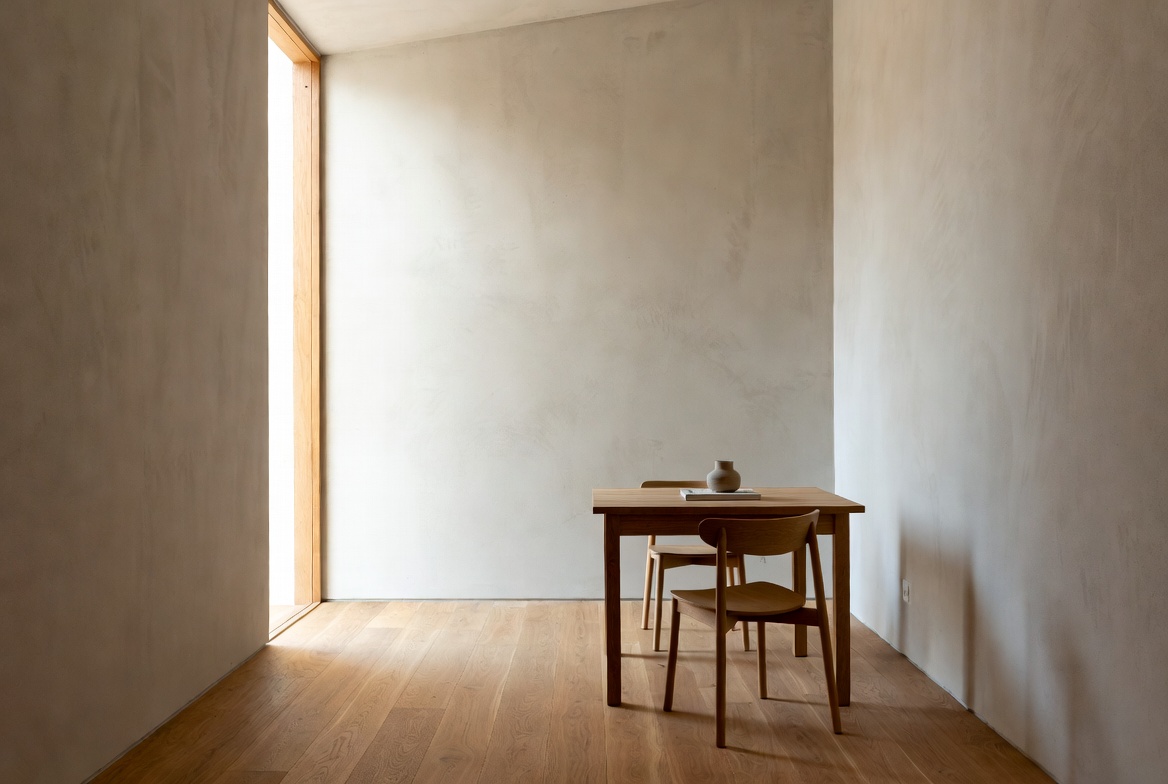
Image by ArchitectureCourses.org. A simple room with clean light, few materials, and controlled geometry is a better place to start than a crowded scene.
Many students render too much. The result is a folder full of average images and no strong one.
Start with one shot that carries the project. That shot should show the main form, the light, and the way someone enters or uses the space.
- Eye level works well when the project is about experience.
- A slightly raised view works well when the project is about plan, roof form, or circulation.
- A section-perspective works well when light, depth, and interior space are the real story.
Do not crop too tight. The viewer needs a bit of ground, sky, and context to understand where the building sits.
If you want a simple rule, frame the shot so the eye lands on the main move first. Entrance. courtyard. stair. long roofline. one strong window wall. Give the image a center of gravity.
Use Light First, Materials Second
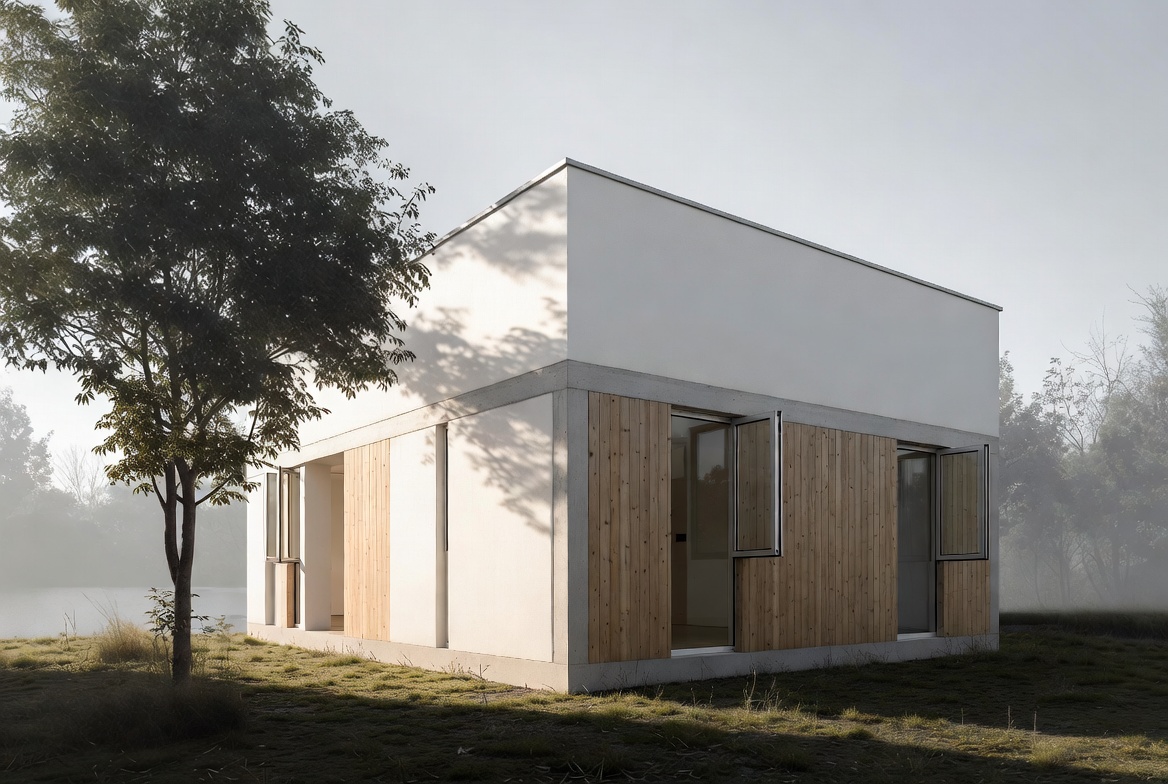
Image by ArchitectureCourses.org. A quiet exterior like this is a strong student rendering exercise because the form, light, and materials stay readable.
Lighting carries more weight than materials in student renders. Good light can rescue a plain model. Fancy materials cannot rescue flat light.
Start with daylight. It is easier to control, easier to read, and harder to make ridiculous.
- Morning light is good for calm images and long soft shadows.
- Midday light is good when you want clarity and hard edges.
- Late light is good when you want warmth and deeper contrast.
Night renders can work, but they punish weak setups. If your interior lighting, glass, and exposure are not under control yet, stay with daylight until the basics are solid.
Once the light is working, keep the materials simple. Concrete, wood, glass, plaster, brick. A small set. The goal is to support the building, not drown it in effects.
Keep the Scene Quiet
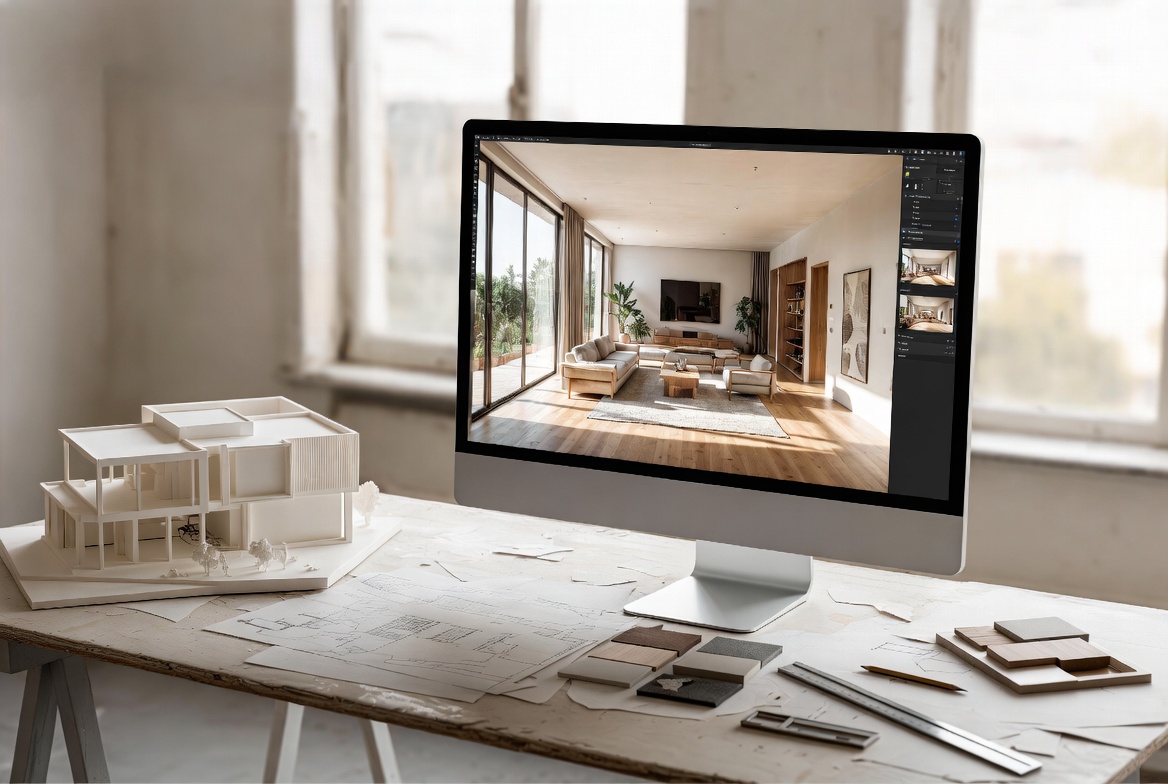
Image by ArchitectureCourses.org. A stripped-down room study helps students focus on light, proportions, and surface realism before adding complexity.
Context helps. Noise does not.
Add only what helps the viewer read the project:
- one ground material
- a simple sky or HDRI
- a few trees or plants
- one or two people for scale
- basic background massing if the site needs it
This is where many student renders go off the rails. Too many entourage elements. Too many textures. Too many glowing windows. Too many random objects with no link to the design.
If everything is loud, nothing is clear.
Think like this instead: what should the viewer look at first, second, and third? Once you know that, the render gets easier.
Choose the Software That Fits the Job
The internet is full of rendering gear talk. Most students do not need more gear talk. They need a simple path that fits their school workflow and laptop.
| Software path | Best for | Skip it when |
|---|---|---|
| SketchUp + Twinmotion | Fast concept renders, easy learning curve, student laptops | You need heavy BIM coordination |
| Revit + Enscape | Studio work tied to plans, sections, and building systems | You are still fighting basic Revit modeling |
| Rhino + rendering plugin | Complex form studies and custom geometry | Your project is simple and your deadline is short |
| Blender | Free workflow, patience, and deeper control | You need fast results this week |
| Photoshop or GIMP | Finishing, cleanup, contrast, skies, small fixes | You are trying to repair a bad base render |
The safest beginner path is still a small stack: one modeling tool, one renderer, one finishing tool.
For software help, the best internal next steps are Top Software Every New Architecture Student Should Learn, AutoCAD Basics for Architects and Engineers, and Revit Introduction: Modeling in 3D.
Render on a Weak Laptop Without Losing the Plot
You do not need a monster machine to produce a good student render. You do need restraint.
- Use low-poly trees, people, and furniture.
- Render still images before you even think about animation.
- Work at lower preview settings while editing.
- Save higher settings for the final export only.
- Keep daylight scenes in play if your hardware is weak.
A clean 1280x720 test render that reads well teaches you more than a broken 4K export that crashes your laptop.
Keep your folders simple too. Model. textures. assets. render files. post files. finals. That one habit saves a surprising amount of time when deadlines get ugly.
Where Student Renders Go Wrong
The same mistakes show up again and again.
| Problem | Better move |
|---|---|
| Rendering too early | Get feedback on the model, plan, and section first |
| Overdoing materials | Use a small material palette and let the form lead |
| Using default light | Set sun, sky, and exposure on purpose |
| Adding too much entourage | Use only enough context to show scale and use |
| Trying too many tools | Keep one small software stack and get fast with it |
| Fixing everything in Photoshop | Repair the model and light first, then finish lightly |
One more mistake deserves its own line: students often skip sketching because rendering feels more advanced. That is backward. Fast sketches still help you think better and find the right shot faster.
A Simple Workflow That Holds Up in School
This is the version that works when you are busy:
- Sketch the idea in a few quick views.
- Build a clean model with believable proportions.
- Pick one strong camera angle.
- Set daylight and test exposure.
- Add only the context you need.
- Keep materials simple.
- Render one good image first.
- Post-process lightly for contrast, sky, and cleanup.
- Export and name the files cleanly.
That workflow fits school better than chasing “final final v12” across six tools and twenty half-bad images.
If deadlines are hitting hard, pair this with Architecture Coursework: Tips for Success and Time Management for Architecture Students. Rendering problems are often workflow problems wearing a software mask.
FAQ
What is the best rendering software for architecture students?
There is no single best one for every student. SketchUp with Twinmotion is a strong easy start. Revit with Enscape fits students already working in Revit. Blender is the strong free option if you have time to learn it.
How many renders should I show in a school presentation?
One to three strong images are enough for many student projects. More only helps when each image explains something different.
Can I make good renders on a basic laptop?
Yes. Keep the model light, use low-poly assets, stay with still images, and avoid heavy night scenes until your workflow is stable.
Do I need Revit before I learn rendering?
No. You need a clean model and a clear design first. Revit helps later if your school or office workflow depends on BIM.
Is hand sketching still useful if I render in 3D?
Yes. Quick sketches help you solve the view, the form, and the main story before you lose time in software.
What To Read Next
If your renders still feel weak, the next move depends on what is missing.
- Architectural Drawing Basics Every Architect Must Know if the composition and drawing control are weak.
- Architectural Model Making if the form still falls apart before rendering starts.
- Architectural Presentation and Rendering if the bigger problem is how the whole set reads.
- Top Software Every New Architecture Student Should Learn if you need a cleaner software path.
- Notes, Assignments, and Study Tools for Architecture Students if the issue is not rendering at all, but school workflow.
A student render does not need to look expensive. It needs to make the design easy to read.