
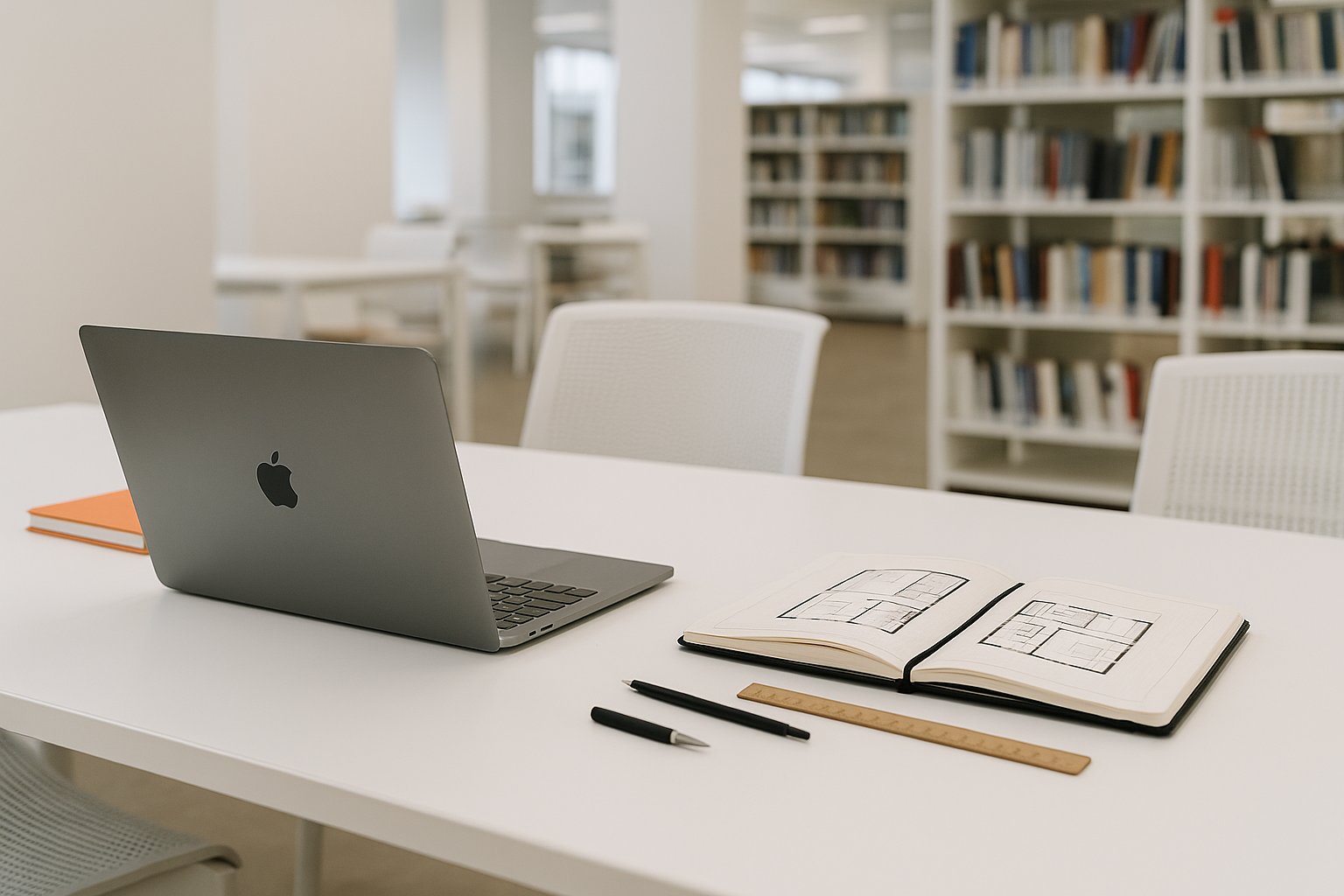
Most architecture laptop lists start in the wrong place. They start with brand loyalty, giant GPU names, or some fake “best for everyone” answer.
The real split is software first. If your program leans hard on Revit, start with Windows. If your work is more Rhino, SketchUp, Adobe, writing, and presentation-heavy, a MacBook Pro can still be a smart buy. That one decision clears out half the noise immediately.
After that, the question is not just power. It is whether the machine still feels like a good decision by mid-semester. Weight matters. Fan noise matters. Battery matters. RAM matters more than most students think. A laptop that survives architecture school is not just the fastest one. It is the one you can actually live with.
Start With Software, Not Brand
Before you compare models, check what your school actually uses. A lot of laptop regret starts right here.
- Revit-heavy program: buy Windows first.
- Rhino, SketchUp, Adobe-heavy workflow: MacBook Pro becomes much more realistic.
- Rendering-heavy classes: prioritize RAM, cooling, and a real GPU.
- Long studio days away from outlets: battery life matters more than students expect.
One practical warning: listings change by configuration. Always check the actual RAM, storage, and graphics before you buy. The laptop name alone is not enough.
Top Picks at a Glance
| Laptop | Best For | Main Weakness | Who Should Buy It |
|---|---|---|---|
| MacBook Pro 14" M3 Pro | Rhino, Adobe, SketchUp, general studio work | Not the safest default for Revit-heavy programs | Students who want strong battery life, lower noise, and better portability |
| Dell XPS 16 | Windows-based studio work, Revit, heavier multitasking | Heavier and less relaxed on battery | Students who need more Windows-side headroom and plan to keep the laptop for years |
| MSI Prestige A16 AI+ | Balanced studio use without going full workstation | Less convincing for the heaviest rendering workflows | Students who want value, a larger screen, and a lighter-duty performance machine |
| MSI Summit E16 AI Studio | Hybrid use, pen input, markup, presentations | Price only makes sense if you will use the hybrid format | Students who sketch, annotate, and want more flexibility than a standard clamshell laptop |
Top 4 Picks Worth Watching
MacBook Pro 14" M3 Pro — Best Mac Option
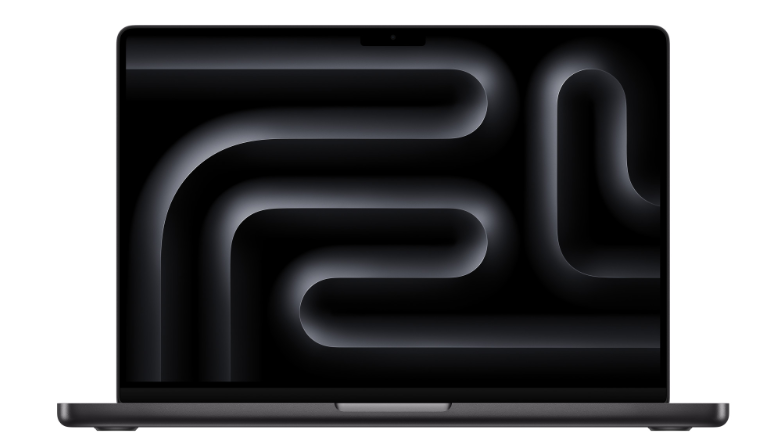
This is the cleanest Mac choice for architecture students who are not tied to Windows-only software all day. The 14-inch size is easier to carry than a 16-inch machine, the battery life is still excellent, and the quiet operation is a real quality-of-life advantage in studio.
It makes the most sense for Rhino, SketchUp, Adobe work, writing, layout, research, and general studio use. It makes less sense as the default answer for a program built around Revit from day one.
Dell XPS 16 — Best Windows Power Pick
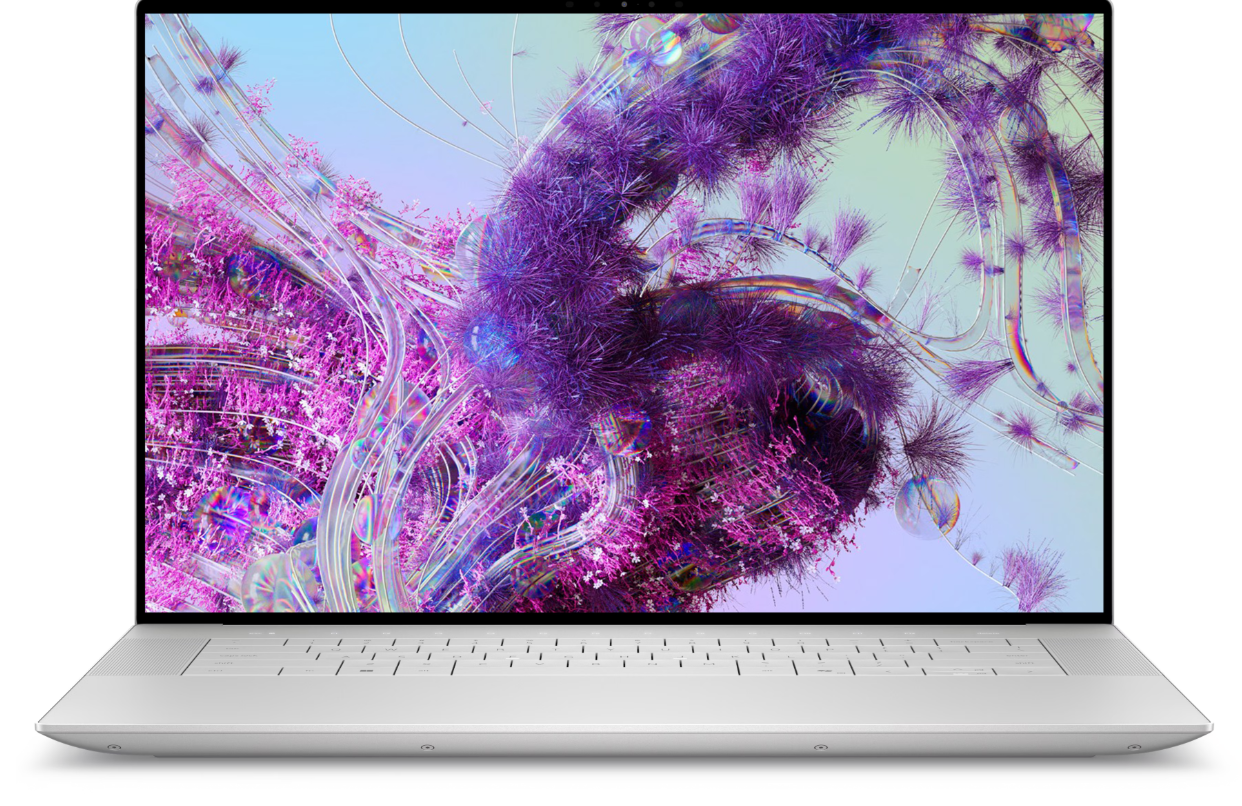
This is the safer Windows choice if you want one machine that can cover Revit, Rhino, rendering, and heavier multitasking without feeling underbuilt. It is the laptop that makes sense when your coursework is genuinely demanding and you do not want to outgrow the machine too quickly.
The tradeoff is predictable: more power, more weight, and less easygoing battery life than the MacBook.
MSI Prestige A16 AI+ — Best Value for Lighter Workflows
This one works best when you read it honestly. It is not a cheap substitute for a big workstation laptop. It is the value pick for students who want a capable 16-inch machine for Adobe, Rhino, SketchUp, and general studio work without paying for more machine than they actually need.
Good fit for balanced work. Less convincing if your daily routine is heavy Revit plus rendering plus giant files.
MSI Summit E16 AI Studio — Best for Hybrid Work
This is the niche pick, but it has a clear audience. If your workflow includes sketching, annotation, markup, review, and presentation, the hybrid format can earn its price in a way a normal laptop cannot.
It only makes sense if you will actually use that flexibility. Otherwise, the money is probably better spent on RAM, storage, or a stronger standard laptop.
What Students Usually Regret
Buying 16 GB and Hoping It Will Age Well
Sixteen gigabytes can still work. It just stops feeling generous sooner than people expect. If your budget stretches to 32 GB, the machine usually stays useful longer and behaves better under real studio multitasking.
Buying a Gaming Laptop Without Thinking About Studio Life
A machine can look amazing on paper and still be miserable to carry, loud in a review room, and annoying on battery. That is the part spec sheets never tell you.
Buying Mac First in a Revit-Heavy Program
This is one of the most predictable mistakes. If Revit is central to your coursework, buy around that fact first.
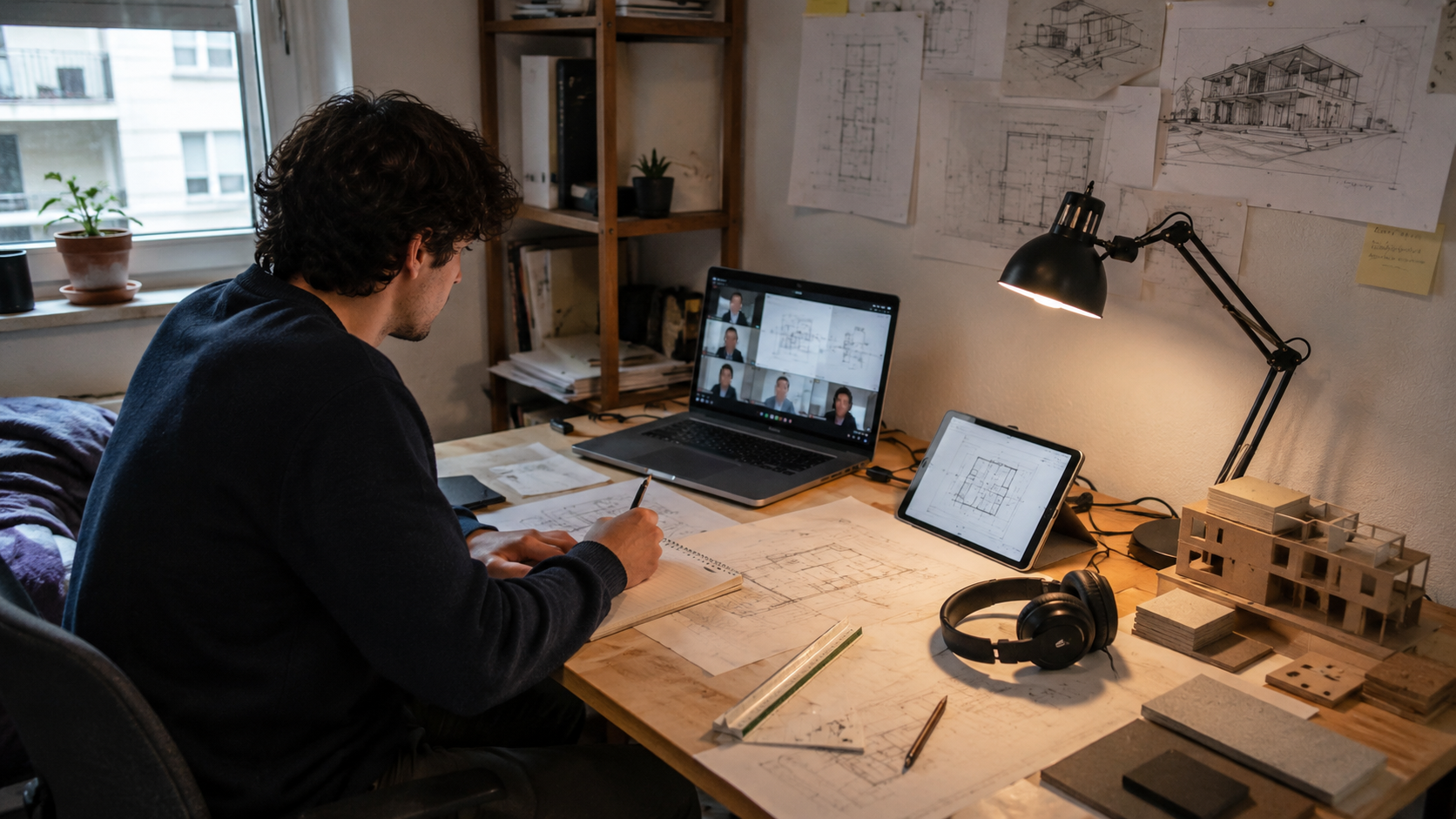
Ignoring the Desk Setup Until Their Body Starts Complaining
Students often overspend on the laptop and then work hunched over a bad table for two years. The machine matters. So does how you use it for six, eight, or ten hours at a time.
What Matters More Than the Marketing
- RAM: 32 GB is where the stress usually drops.
- Cooling: fast parts mean less if the laptop throttles under load.
- Battery: not glamorous, but it changes daily life.
- Weight: you will feel this more than the product page suggests.
- Ports: useful ports or a reliable hub still matter in school.
- Software fit: this should be the first filter, not the last.
One Practical Upgrade Outside the Laptop
The smartest non-laptop purchase is usually not another gadget. It is a better working setup. A stand, mouse, and decent external monitor do more for long studio sessions than chasing tiny spec gains on the laptop itself.
For the rest of the first-year gear around the machine, our architecture school supply list covers the wider setup.
FAQ
Do architecture students really need a dedicated GPU?
Not always. If your work is mostly Rhino, SketchUp, Adobe, research, and presentations, you can get away without a big dedicated GPU. If your program leans hard on Revit, Enscape, V-Ray, Twinmotion, or heavier rendering, a stronger Windows machine is usually the safer call.
Is 16 GB RAM enough?
It can work at the beginning. It is just the first thing students regret once projects get heavier. Thirty-two is the better long-term target.
Mac or Windows?
Buy around your software. Revit-heavy usually means Windows. Rhino, SketchUp, and Adobe-heavy workflows can still work very well on a MacBook Pro, especially if battery life and portability matter.
Should I buy the biggest screen size?
Not automatically. Bigger screens look great in theory, but architecture students carry these machines constantly. A strong 14- or 16-inch laptop plus a real desk monitor is often the better balance.