
Real-World Applications and Case Studies
Parametric design in buildings is how most big offices work now. They built full departments around it. For others, it’s the next step. For some, it’s just fun. Architecture finally wired to code. Learn it. It’s real power.
You set the rules. The model obeys. Change one input and the whole thing shifts. That’s how teams build moving facades, cleaner daylight, and better control over cost and comfort. That’s power that pays off.
If you want a fast primer on the broader field before diving into buildings, skim this overview of parametric architecture.
The Essence of Parametric Design in Buildings
Traditional drawings freeze a form and force you to redraw when needs change. Parametric workflows bind geometry to rules. Those rules can read sun angles, code clearances, view corridors, wind pressures, program areas, or even rough cost. You do not redraw. You steer inputs and watch options update. That is the core value in practice.
If you are new to the mechanics behind the rules, start here for a plain breakdown of how parameters control form in parametric design. For a building-only lens with deliverables in mind, see parametric design in buildings.
Eden Project, UK
Cornwall’s Eden biomes show simple logic done well. The dome mesh uses hexagons and pentagons sized to balance light, structure, and fabrication. The rule set kept panel types limited, held spans inside safe ranges, and tuned the skin so plants got usable daylight without cooking the air. It looks expressive because the performance forces are honest and visible.
Adaptive Building Facades
Static skins fight the climate. Adaptive skins work with it. A decent facade graph links panel depth, rotation, perforation, and spacing to sun path, views out, and views into key spaces. You can test twenty clean patterns in a morning, measure glare and heat, and keep the two that hit targets.
If you want the core playbook for responsive skins, this guide to parametric facades is a solid base. For material behavior and how different skins age, glance through facade materials for dynamic design.
Dynamic Shading Systems
The rule is simple. Aim to block high sun, admit low sun, and preserve key views. Tie fin rotation to sun altitude and azimuth. Cap rotation where glare drops below a threshold. Keep a hard stop for maintenance clearances. Use a second rule to group fins into manufacturable families so the shop can make and replace parts without chaos.
Al Bahar Towers, Abu Dhabi
The towers use a mashrabiya system that opens and closes with the sun. Each module follows the same control logic. The result is lower cooling loads and less glare at eye level. The pattern is not decoration. It is a field of parts obeying one rule. That is why it reads clean from far away and still works up close.
Related:
- Case Study: The Heydar Aliyev Center
- Parametric Facades: Revolutionizing Building Exteriors with Smart Design
Optimizing Light and Temperature
Good rooms feel right because light, glare, and heat are in balance. Parametric workflows tie window size, sill height, baffle depth, and glass specs to daylight and cooling targets. You do not guess. You test while you draw. Miss the target and the graph adjusts the form within limits you set at the start.
Daylighting runs on simple drivers. Orientation. Sky type. Reflectances. Glare at the eye. A decent script uses a small set of inputs and locks the rest. You want stability while you move fast.
The Edge, Amsterdam
The office floors push daylight deep without turning the glass into a heater. Angled panes break direct sun, keep views, and lower cooling loads. The core idea is not complex. Get more useful light with less heat and glare. The parametric link between pane angle and daylight metrics made it repeatable across the facade.
One Central Park, Sydney
Green facades and mirrored heliostats are tuned as a system. The plants shade. The mirrors drive light into deeper zones. Rules tie plant density, panel spacing, and mirror aim to seasons. The result is cooler surfaces, better light, and lower demand on mechanical systems.
Structure, Cost, and Buildability
A strong model places mass where forces live. Shells thicken where stresses spike. Beams shrink where loads are light. This is hard to do by eye. Parametric checks make it honest. Link section sizes to limits for deflection and stress. Link geometry to connection counts and shop limits. Attach cost tags to each option and watch the budget react while you iterate.
If you want a straight map of tools that support this kind of work in practice, the overview of parametric software and tools is helpful. For a focused building lens that tracks rules into drawings, keep parametric design in buildings nearby.
Guangzhou Opera House
The fluid shells are not arbitrary. The mesh thickened only where load cases demanded it. The team kept a short loop between form, analysis, and mesh clean-up. That loop is the real lesson. Keep graphs tight. Test early. Trim the form where the numbers allow it.
Beijing National Stadium
The “nest” reads complex, but the rule set drives repetition. Member families, connection types, and shop limits kept a massive steel job inside a tractable kit of parts. The parametric link between geometry and part lists meant the team could change a bay and still trust the takeoff.
Designing For People
Rules for light and structure are not enough. You need rules for people. Where to slow down. Where to cluster. Where to see out. Tie seat height, bench depth, stairs, and edges to measured flows. A good public realm model tags pinch points, sets sightlines, and leaves edges clean for real use.
The High Line, New York
The deck shifts between narrow walks and wider pockets for sitting and planting. The moves follow a small set of rules tied to expected traffic, views, and hours of use. You can model that logic early and test it with simple counts instead of guessing.
For a quick scan across scales, from plaza furniture to full facades, this compact survey of parametric work across building and furniture shows how the same logic plays out in small details.
A Reusable Parametric Workflow
- Write the job in numbers. Target lux at desk. Max glare. Peak cooling. Budget per square foot. Note them on page one.
- Pick two drivers. Daylight and heat. Or span and cost. Not five. Start small and honest.
- Draft the graph. Grasshopper or Dynamo. Ten nodes. Clear names. No dead lines. Every node must earn its place.
- Generate ten options. Label inputs. Save states. Never keep a variant you cannot repeat.
- Test the set. Daylight. Loads. Cost. Fabrication. Kill weak options now. Refine the best two.
- Lock a baseline. Freeze inputs. Create drawings. Keep the graph for late change without panic.
For a concept-level refresher on how rules turn into forms, read this clear explainer on parametric design. If you need more building-specific logic tied to deliverables, keep this building guide open while you work.
Software That Leads To Built Work
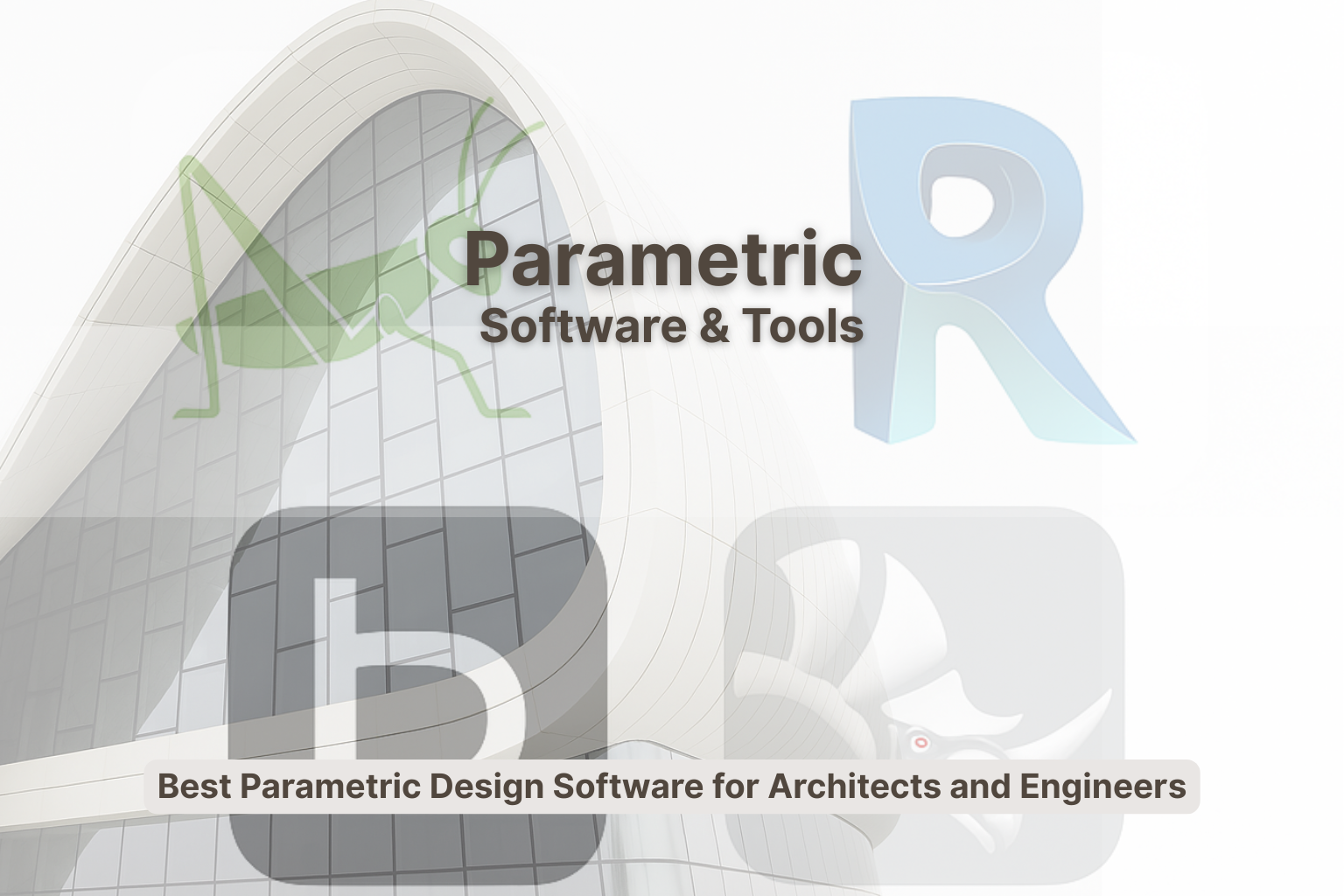
- Rhino + Grasshopper. Fast to explore form and test logic. Huge plugin ecosystem. Strong for facades and structure studies.
- Revit. Best when drawings, schedules, and coordination matter. Families capture rules that the whole team can use.
- Fusion 360. Good for parts, joints, and details that move. Tight control of tolerances.
- CATIA. Heavy, but reliable for shells and big bowls where accuracy and rationalization are critical.
- SolidWorks and AutoCAD. Use when fabrication, shop drawings, or classic drafting must align with the parametric model.
For tool picking with a practical lens, use this software overview. For facade-only depth, save adaptive facades.
Quick Tool Comparison
| Tool | Key Features | Best For | Notable Projects |
|---|---|---|---|
| Rhino | Freeform modeling, precision, plugin support | Complex 3D models | Heydar Aliyev Center |
| Grasshopper | Visual programming integrated with Rhino | Algorithmic design, complex forms | Gherkin Tower |
| Revit | BIM with parametric assemblies | Building systems, coordination | Beijing National Stadium |
| Fusion 360 | Parametric and direct modeling | Product and fixture design | Various product lines |
| CATIA | Complex geometry, large assemblies | Shells, stadium bowls | Airbus A380 |
| SolidWorks | Engineering-grade parametrics | Components, shop details | Industrial machinery |
Case Studies In Short
BIG 8 House
Start rule: keep a public ramp loop from ground to roof. Then attach dwellings to that path. The team used a compact graph to keep slopes within access limits, hold daylight where flats needed it, and trim mass where views mattered. Dense, but open. That is clear intent backed by rules.
For another grounded, step-by-step breakdown on how a team drove a complex form to fabrication, read this Heydar Aliyev Center case study. For more quick examples you can borrow from, collect the patterns in parametric examples.
Al Bahar Towers
Sun hits. Units close. Sun moves. Units open. Cooling drops. Glare drops. Views remain. The script groups panels into families for real manufacturing. You can apply the same idea on smaller jobs with fixed fins and still get most of the gain.
Wowing Section: Small Scripts, Big Wins
- Stair core check. One graph linked riser count to headroom and landing length. It killed three weeks of redraws across five options and saved a painful clash later.
- Balcony family. A single Revit family drove width, depth, drain slope, and guard height. Sales could switch finishes live. No extra drawings. Fewer RFIs.
- Sun-shade set. A small Grasshopper routine rotated fins to pass a glare test. Energy dropped. The facade kept texture without blocking views.
For more patterns you can adapt, pick through facade examples and impact. To cross-check your process, scan building workflows that tie rules back to schedules.
Mistakes To Avoid
- Bloated graphs. If you cannot explain a node in one line, split it or delete it.
- Pretty forms with no detail path. If it cannot be cut, bent, shipped, and fixed, it is not design.
- No input logs. Save states for each option. You will need to prove why the winner won.
- Chasing novelty. The best solution meets the brief with fewer parts and lower energy, not the wildest curve.
For concept thinking that avoids these traps, the primer on parametric logic helps. For a material lens, check dynamic facade materials.
Future Trends You Can Use Now
AI is only useful if you have data. Track weather, bills, and comfort notes. Link rotation rules to glare and cooling numbers. Let the model propose small changes at night and ask you to review them in the morning. The future is steady, small moves that add up to real savings.
If you are building a responsive skin, keep the facade playbook nearby. For tool choices that fit real deliverables, save the software map.
Conclusion
Parametric design is not about making wild shapes. It is about control. Clear inputs. Honest outputs. Fewer surprises. Use rules to link form to light, heat, cost, and comfort. Start small. Keep graphs tight. Test while you draw. Then lock a baseline and deliver. For a one-page refresher before you begin, go to parametric buildings. If you need concept grounding, return to the core parametric guide.
FAQ
- What is parametric design in simple terms?
- You tell the model what matters. Size, light, comfort, cost. The model updates the form to match those rules.
- Where does it save the most time?
- Repetitive parts. Facades with many panels. Stair sets that keep changing. Layouts under fast client feedback.
- Do I need to code?
- No. Visual tools like Grasshopper and Dynamo let you build logic without typing code. You still need clear names and clean thinking.
- How do I keep designs buildable?
- Attach shop limits to the graph. Sheet sizes. Bend radii. Tolerances. If a shape breaks a rule, the model flags it early.
- Which tools should I learn first?
- Rhino with Grasshopper for form and logic. Revit for assemblies and documents. Together they cover most building work. See tools overview.
- Does this help small projects?
- Yes. A clean family or ten-node graph can remove days of redraws on houses, interiors, and built-ins. For cross-scale ideas, read facades to furniture.
- How does this support sustainability?
- You can test many options fast. Window size, shading, massing, orientation. Pick the lowest energy path before you pour a slab.
- What is a safe way to start on a live job?
- Choose one driver. Daylight or span. Write targets. Build a tiny graph. Generate ten options. Test. Lock a baseline. Add more rules only when the data asks for it.