

Methods, Tools, and Structural Examples
Beam analysis usually starts going wrong when the beam gets simplified the wrong way.
Bad support assumptions, bad stiffness assumptions, and broken load paths cause more trouble than the math itself. Get the load assumptions wrong and the model can still look clean while the beam on site does something very different.
Beam analysis includes shear and bending, but it also includes support behavior, deflection, vibration, cracking, buckling, and the limits of the tool being used.
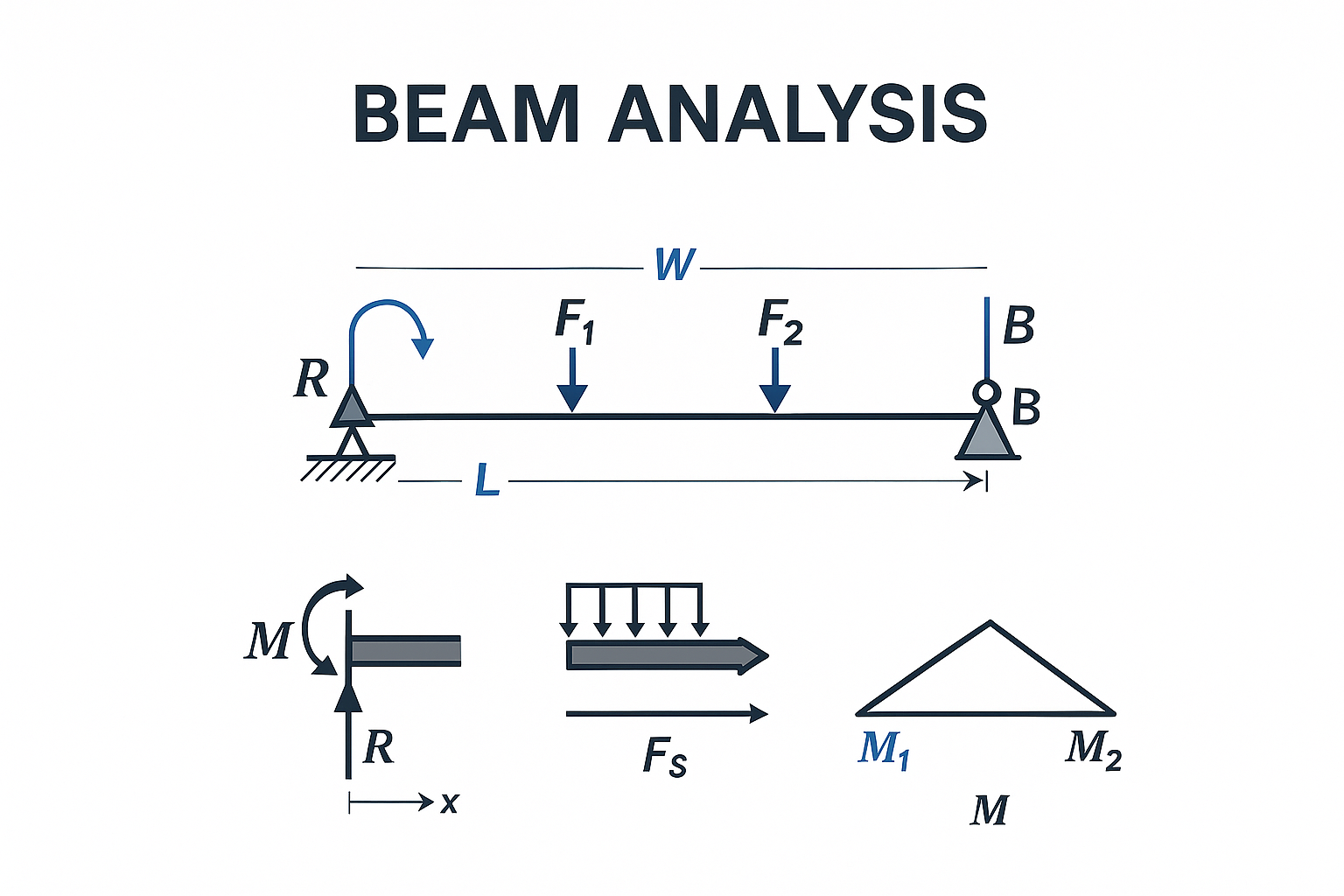
This page stays on the practical side: what different beam types demand, when hand checks are enough, when FEA earns its keep, and where beam models start drifting away from the structure they are supposed to represent.
Types of Beams and What Changes the Analysis
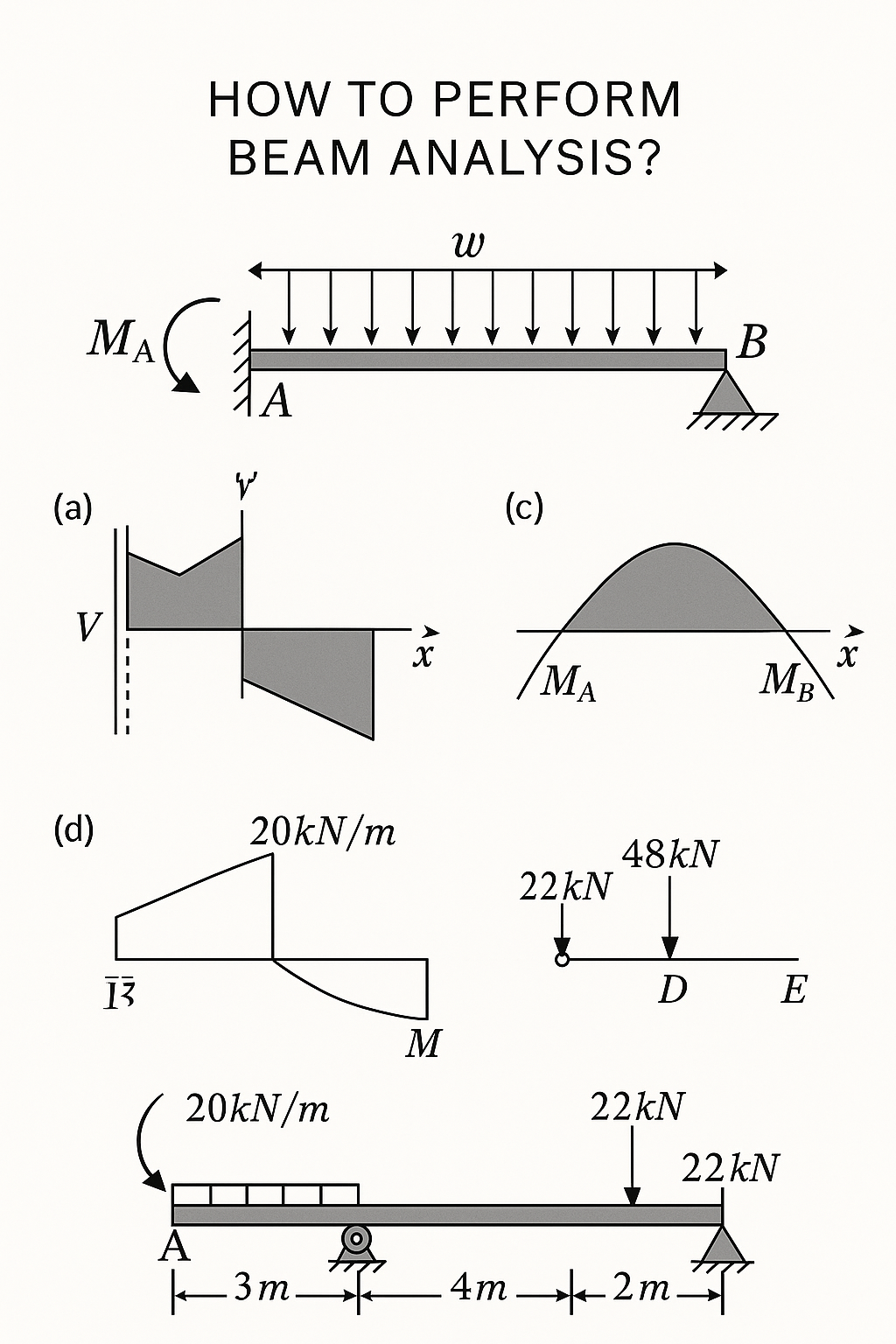
Support conditions, depth, curvature, and material all change what controls the beam.
- Simply supported beams: Good for hand checks and clean shear and moment diagrams.
- Cantilever beams: Common in balconies, brackets, and overhangs, with maximum moment at the fixed end.
- Continuous beams: Need compatibility, load patterning, and moment redistribution checks.
- Deep beams: Often governed by shear behavior and disturbed stress flow rather than simple flexural theory.
- Curved beams: Need curved-member stress treatment or finite element modeling.
- Composite beams: Need slip, creep, shrinkage, and interface behavior checked.
- Doubly reinforced concrete beams: Used when moment is high and depth is limited.
For the broader structural background behind this, see Structural Analysis: The Backbone of Civil and Architectural Design.
How Real Engineers Analyze Beams
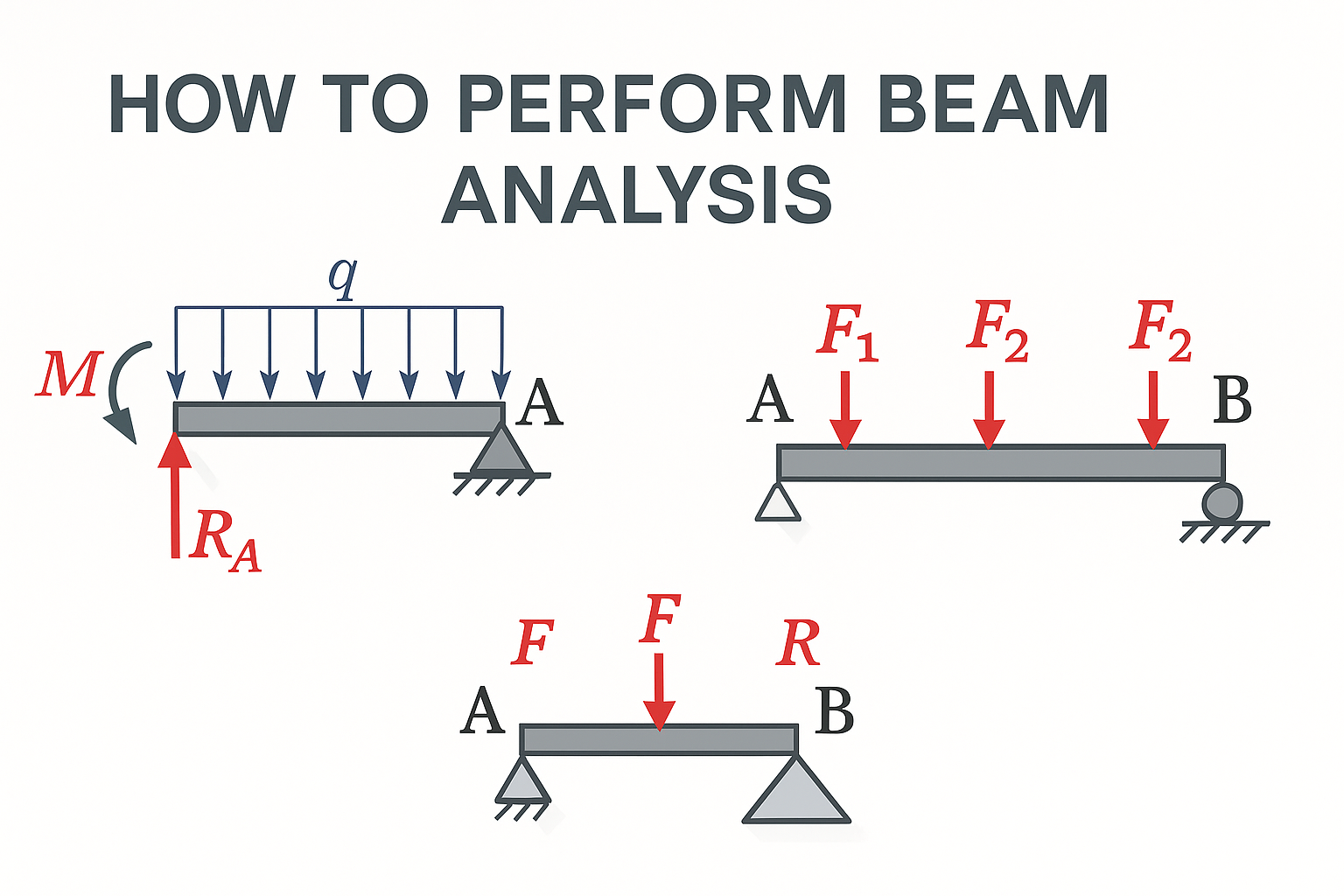
Good beam analysis starts with geometry, supports, material behavior, and realistic loading.
- Set the geometry. Span, section, support type, member orientation, and connection behavior come first.
- Set the material properties. Steel, reinforced concrete, timber, and composite members do not behave the same way.
- Apply the right loads. Dead, live, wind, seismic, temperature, settlement, and any imposed displacement that matters.
- Choose the analysis method. Hand calculation for simple beams, frame analysis for ordinary systems, FEA for geometry or behavior that stops being simple.
- Run the model and read the results critically. Shear, moment, stress, deflection, crack control, buckling, vibration, and support reactions all have to agree with the structural story.
- Detail from the real behavior. Reinforcement, bracing, anchorage, stiffeners, flange restraint, and serviceability checks come after the beam behavior is understood.
Flexural, Plastic, and Modal Analysis
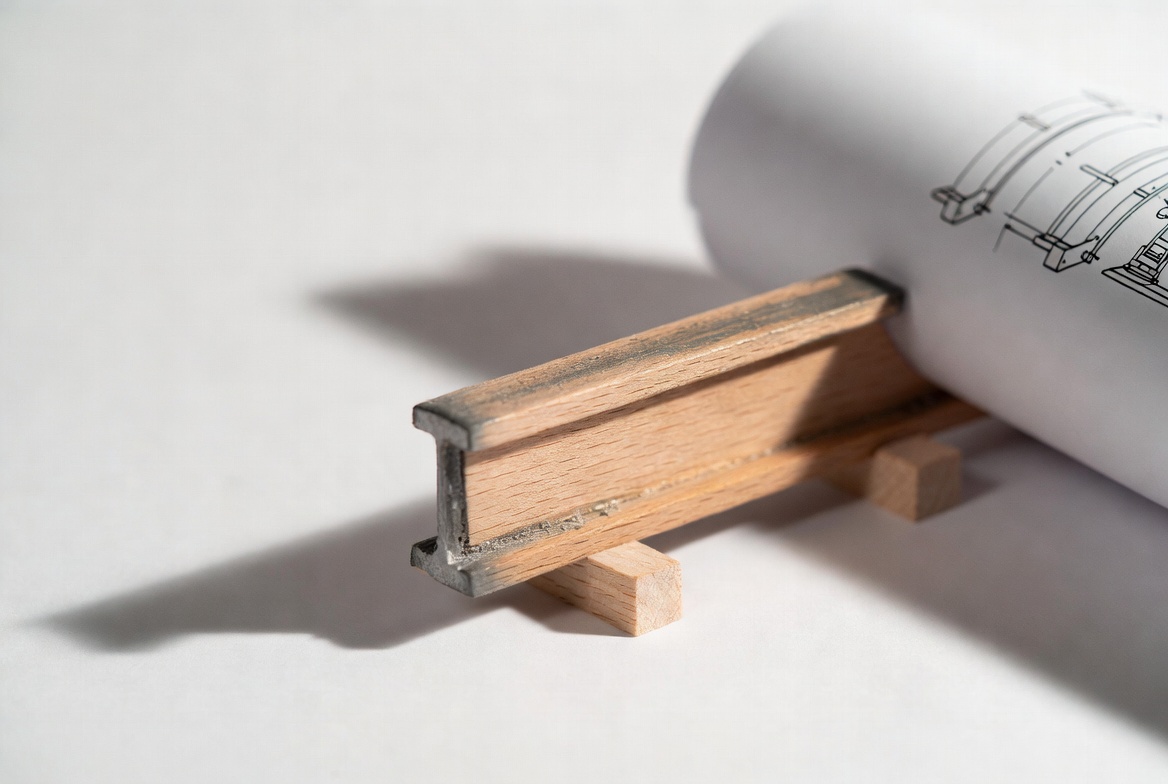
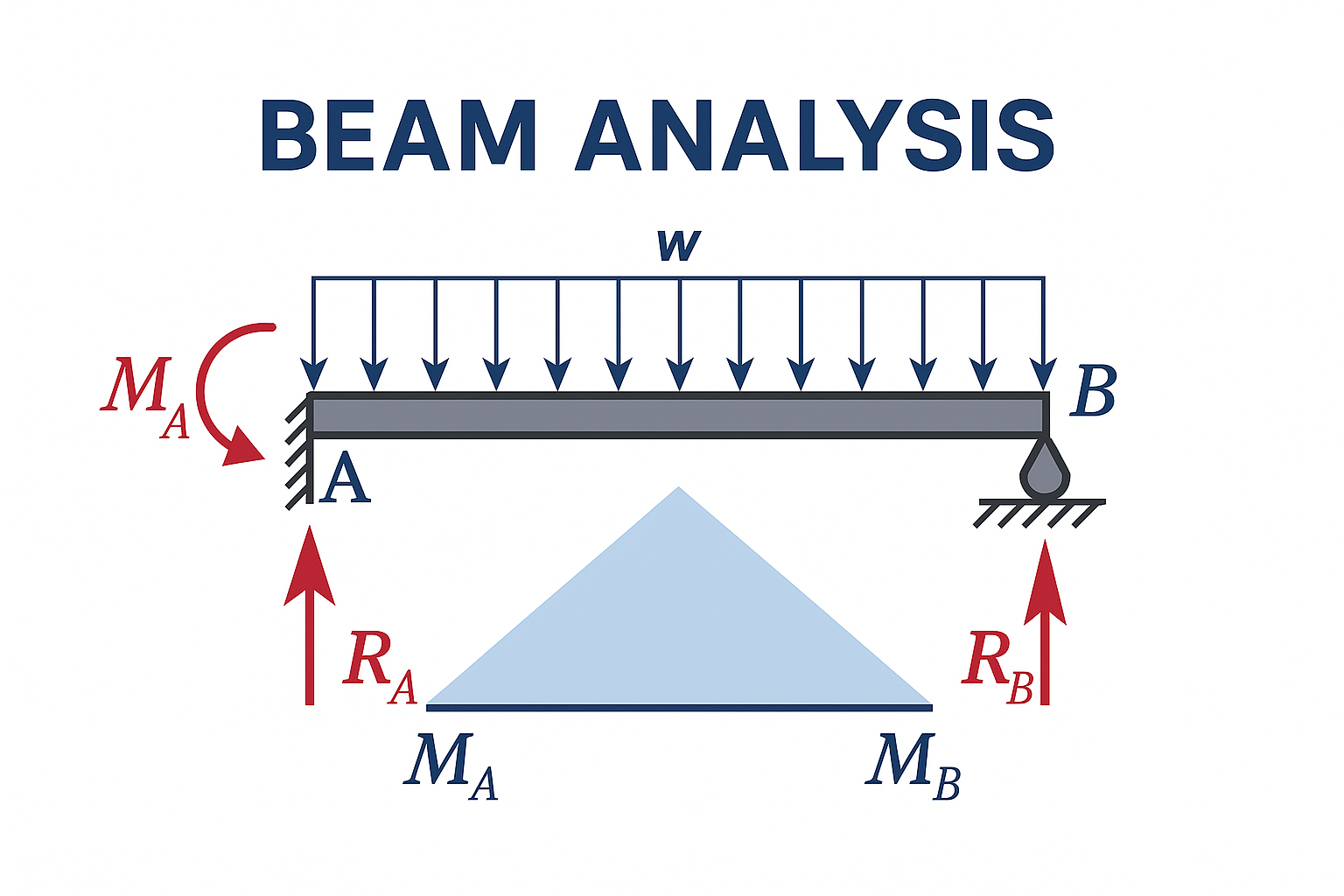
Image by ArchitectureCourses.org. A beam can be studied by looking at shape, span, support points, and section depth.
Flexural Analysis
This is the starting point for most beam work. It checks how the member resists bending, where the tension and compression zones are, and how much deflection or cracking is likely under service and factored loads.
Plastic Analysis
This matters when redistribution and collapse mechanisms matter more than first yield. It is common in steel design and redundancy checks, especially for indeterminate systems.
Modal Analysis
This matters when the beam may be strong enough but still performs badly because it vibrates. Long-span floors, bridges, platforms, and lightweight framing often need this check.
A beam can pass strength checks and still fail in service because it sags too much, cracks too much, or moves in ways people can feel.
Software Comparison for Beam Analysis
| Tool | Best use | Strong side | Weak side |
|---|---|---|---|
| ETABS | Beams inside full building models | Good load combinations and frame integration | Not the best tool for local fracture or detailed nonlinear problems |
| STAAD Pro | Steel frames, trusses, continuous beam systems | Fast frame modeling and code-based design workflow | Less intuitive for detailed reinforced-concrete behavior |
| ANSYS | Nonlinear, vibration, thermal, and local stress problems | Strong physics and strong visualization | Takes more setup time and better modeling discipline |
| ABAQUS | Cracking, fracture, damage, composite behavior | Very strong for failure simulation | Steep learning curve and slower workflow for ordinary design |
| Mathcad or Prokon | Quick checks and transparent calculations | Good for verification and straightforward design tasks | Not for full spatial modeling |
| Online beam tools | Fast educational checks | Good for simple spans and quick comparisons | Not reliable as a full design workflow |
Key Equations Engineers Still Use
Classic beam equations still matter, but only when the assumptions behind them still hold.
- Euler-Bernoulli beam equation: d²/dx² ( EI d²y/dx² ) = q(x)
- Shear and moment relationship: V = dM/dx
- Flexural stress: σ = My/I
- Maximum deflection for a simply supported beam with a center point load: δmax = PL³ / 48EI
- Plastic moment capacity: Mp = fy Z
- Natural frequency: fn = (1 / 2π) √(k/m)
These equations are useful when the assumptions still fit the member. Once torsion, cracking, slip, strong geometric nonlinearity, or complex support behavior enters the picture, the easy formulas stop telling the whole story.
When Beam Models Lie

A beam model can pass every check and still fail on site. That usually happens because the model was too clean, not because it was too rough.
Support overconstraint
A beam modeled as fully fixed at both ends often looks safer than it is. Real joints rotate. If the joint is not truly fixed, your moment and deflection pattern may be wrong from the start.
Load path drop-outs
A beam may show low demand simply because the load never reached it in the model. Slab edges, offsets, tributary assumptions, and missed connectivity create false safety fast.
Wrong section orientation
A rotated section can make a strong-axis beam behave like a weak-axis member. Software will still solve it. That does not make the model correct.
Cracked reinforced concrete modeled as elastic
Using gross section properties for a beam that will crack under service load usually makes the beam look stiffer than it really is.
Live-load patterning ignored
Continuous beams do not see live load in a perfectly uniform way. Patterning matters because it changes moment reversals and reinforcement demand.
2D vs 3D Beam Analysis
| Use 2D when | Use 3D when |
|---|---|
| Loads and supports stay in one plane | Load paths are spatial or multi-directional |
| The beam is simply supported, cantilevered, or otherwise straightforward | Torsion, diaphragm action, or irregular support geometry matters |
| You are doing preliminary sizing or verification | You are modeling slabs, cores, walls, or multi-axis framing interaction |
| You need a fast, transparent check | You need to catch twist, restraint effects, or real spatial stiffness |
2D is not wrong when the beam behavior is planar. 3D is not automatically better either. A messy 3D model can be less trustworthy than a clean 2D check if the structure does not actually need full spatial analysis.
Special Conditions That Need More Than Basic Beam Theory
- Beams on elastic foundations: common in slab-on-grade edge conditions and buried members.
- Support settlement: can create moment reversals and unexpected reactions.
- Inclined beams: often combine bending with axial force.
- Beams with openings: often need strut-and-tie or shell modeling.
- Curved beams: need curved-beam stress treatment, not straight-beam shortcuts.
- Long-term reinforced-concrete deflection: creep, cracking, and shrinkage can dominate service behavior.
Beam Examples
Curved or asymmetrical long-span systems
These often pass static checks and still misbehave because torsion and vibration were underestimated.
Doubly reinforced concrete beams in tight depth conditions
These show up when depth is limited but moment demand is still high. Without compression steel, the section often grows deeper than the architecture allows.
Castellated or perforated steel beams
These save weight and increase depth efficiently, but web post buckling and local instability often govern before ordinary stress checks do.
Common Beam Analysis Mistakes
- Using 2D models for beams that clearly need 3D behavior checked
- Ignoring lateral-torsional buckling in steel beams
- Letting software defaults define support behavior
- Using gross reinforced-concrete stiffness where cracked stiffness is needed
- Skipping live-load patterning in continuous systems
- Ignoring vibration because strength checks passed
- Trusting nice output graphics more than actual load path logic
FAQ
What is the difference between shear and bending in a beam?
Shear is the internal force that slides one part of the section relative to another. Bending is the moment that curves the member. Both have to be checked.
When do I need to consider torsion?
When loads are eccentric, when the beam supports asymmetrical framing, or when the section is not loaded through its shear center.
Why is beam deflection so low in my model?
The usual reasons are over-restrained supports, gross section properties, or missed load path issues.
Can software replace hand checks?
No. Software can solve a model fast, but it cannot decide whether the model matches the real beam.
Do all beams need vibration checks?
No. But long-span floors, bridges, platforms, and lightweight systems often do.
When should I use shells or solids instead of line elements?
When local stress concentration, openings, torsion, fracture, or connection behavior starts governing more than the global frame response.
References and Tools
For current design standards and software references, these are the main starting points: