
Essential Gadgets for Architects and Designers
Most of the tools architects actually use on a daily basis are not glamorous. They are just reliable — things that save a trip back to the office, keep a file from getting lost, or let you take a measurement without needing a second person in the room. This list covers the ones worth having, organized by what they actually do rather than how impressive they look on a desk.
Some are inexpensive. Some are not. All of them earn their place.
Fifteen Tools Worth Knowing
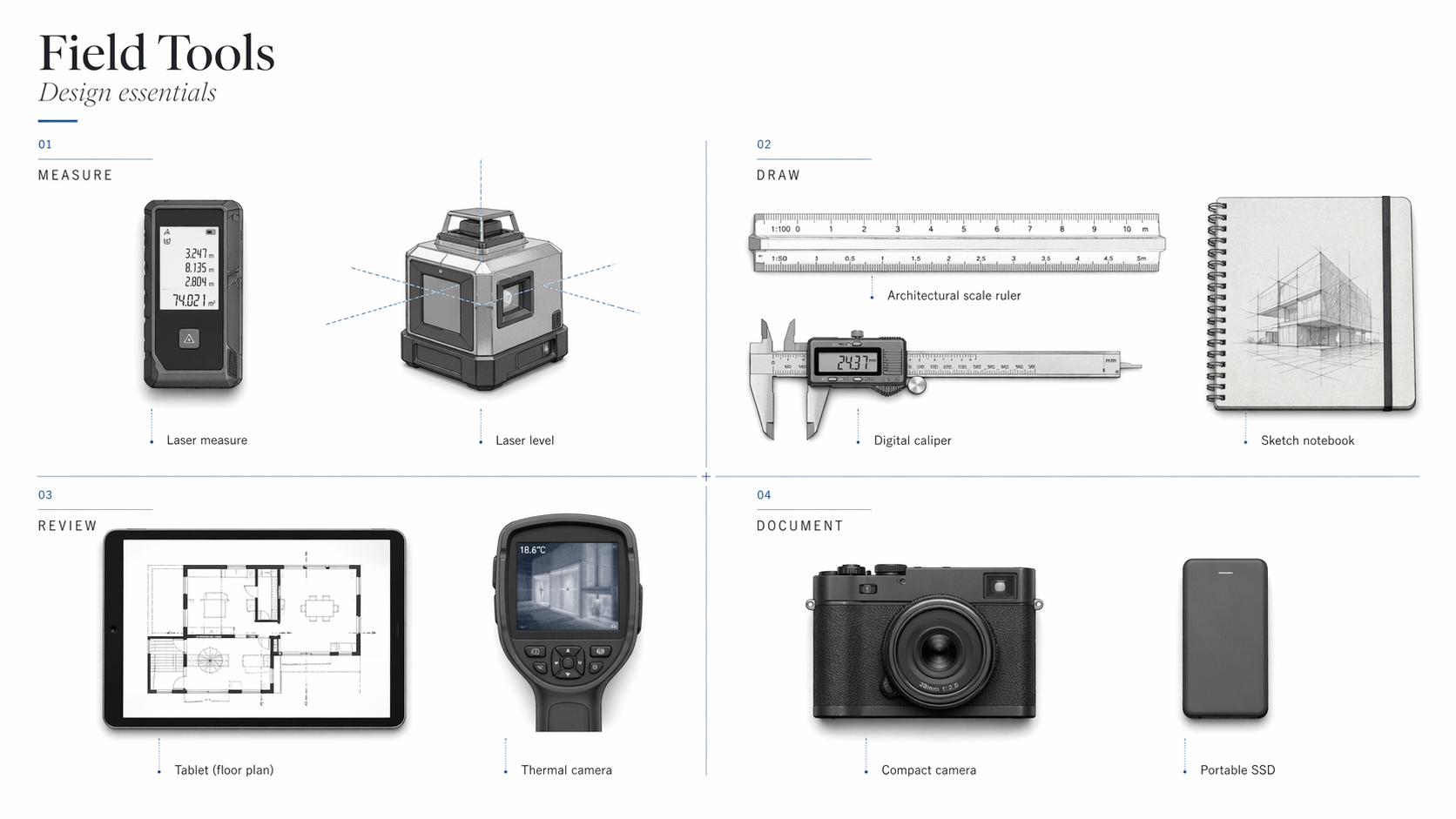
| Tool | Approximate Price | Category |
|---|---|---|
| Laser tape measure (Bosch GLM400CL) | ~$150 | Field measurement |
| 3D printer (Flashforge Adventurer 5M Pro) | ~$400 | Model-making |
| VR headset (Meta Quest 3) | ~$500 | Client presentation |
| Graphic tablet (Wacom Cintiq Pro 22) | ~$1,500 / Huion Kamvas ~$300 | Design and markup |
| Portable projector (Epson EpiqVision / Samsung Freestyle) | $350–$600 | Presentation |
| Digital caliper (Kynup) | ~$20 | Detail measurement |
| 3D pen (MYNT3D Pro) | ~$50 | Concept communication |
| Noise-canceling headphones (Sony WH-1000XM5) | ~$350 / Anker Q20 ~$80 | Focus and site use |
| Smart notebook (Rocketbook Core) | ~$35 | Field notes |
| Portable scanner (Doxie Go SE) | ~$150 | Document capture |
| Power bank (Anker PowerCore 26800) | ~$60 / 10K ~$25 | Field power |
| Stylus pen (Apple Pencil 2) | ~$130 | Drawing and markup |
| Multi-tool pen (Mininch Tool Pen) | ~$40 | Site utility |
| External SSD (Samsung T7 / SanDisk Extreme) | ~$80–$120 | File storage |
| Smart measuring tool (Moasure ONE) | ~$300 | Field measurement |
1. Laser Tape Measure
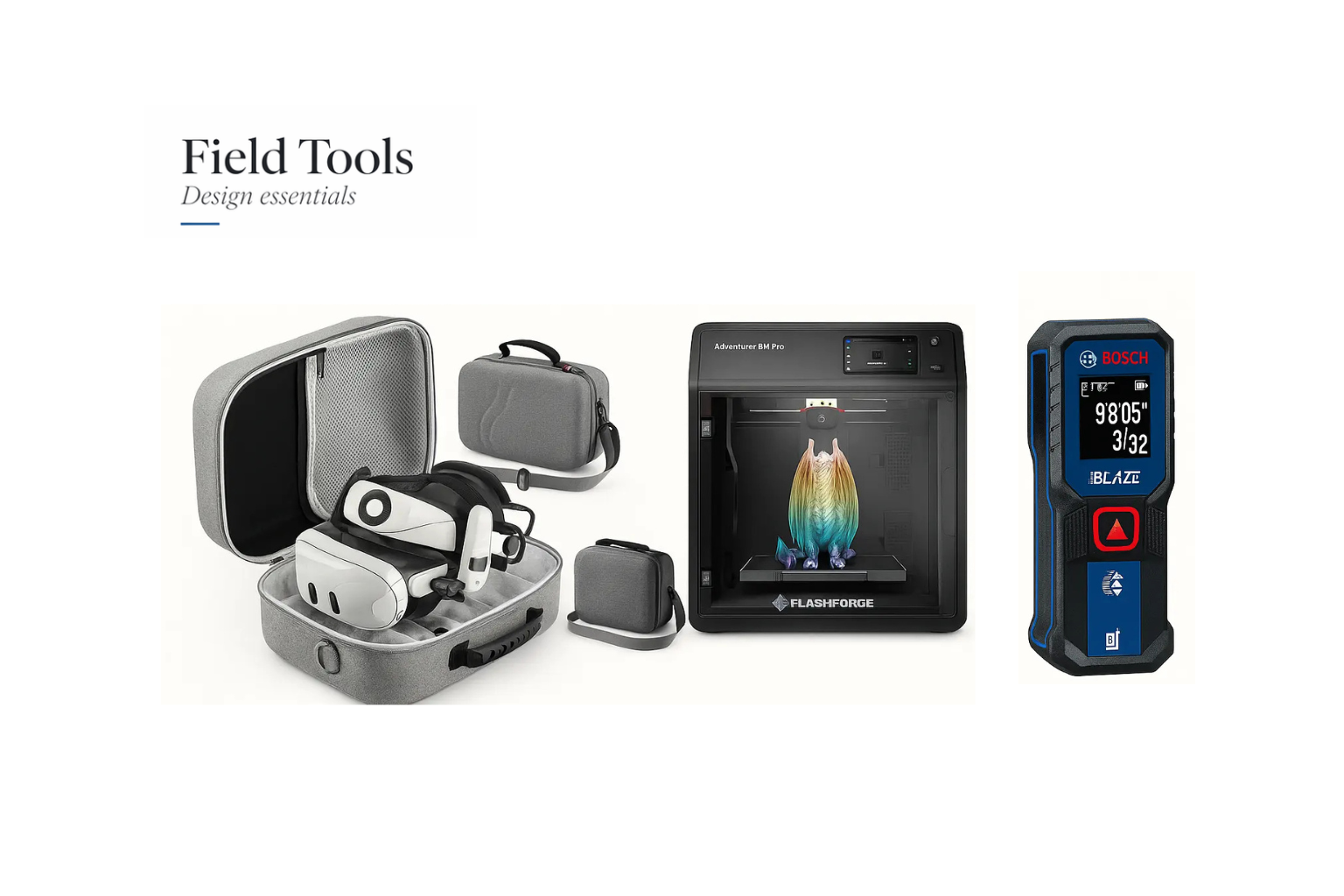
The single most useful field tool for most architects. You can measure a room alone, record dimensions directly to your phone, and export them straight into a drawing. The Bosch GLM400CL measures up to 400 feet in direct sunlight using a camera viewfinder — which matters on bright construction sites where a standard laser dot disappears. If you are still using a steel tape for interior surveys, this replaces it for most situations and is faster in every one of them.
2. 3D Printer
Physical models still communicate things that renderings do not — particularly massing, scale, and the relationship between volumes. A desktop 3D printer lets you produce study models overnight rather than spending studio hours cutting foam. The Flashforge Adventurer 5M Pro is compact, reliable, and does not require constant maintenance. It works for massing studies, facade studies, and furniture-scale prototypes without being oversized for a small studio.
3. VR Headset
Most clients cannot read plans. That is not a criticism — it is just true, and it creates a gap between what you have designed and what the client thinks you have designed. A VR walkthrough closes that gap before construction begins. Paired with Enscape, Twinmotion, or Revizto, the Meta Quest 3 gives clients a spatial experience of the building that no rendered image replicates. It is also useful for reviewing your own work — problems with ceiling height, light quality, and room proportion read differently in VR than on screen.
4. Graphic Tablet
Sketching, markup, and freehand drawing on a graphics tablet is faster and more precise than using a mouse or trackpad for those tasks. Useful for redlining drawings, sketching over site photographs, and doing rough design work directly in Rhino or SketchUp without switching tools. The Wacom Cintiq Pro 22 is the established professional option. The Huion Kamvas is a reliable alternative at a lower price point for the same core functionality.
5. Portable Projector
Useful for presentations in spaces without a fixed screen — construction trailers, client offices, design charrettes. A compact projector means you can show work at readable scale without depending on whatever screen is available in the room. The Epson EpiqVision Mini and Samsung Freestyle are both portable enough to carry without a dedicated case and bright enough for most interior conditions.
6. Digital Caliper
For architects working on furniture, joinery, material detailing, or physical model-making, a digital caliper is more useful than it sounds. It measures thickness, gap dimensions, and small-scale material tolerances with accuracy that a tape measure cannot match. The Kynup Digital Caliper is stainless steel, water-resistant, and accurate to 0.01mm — enough for most architectural applications.
7. 3D Pen
A 3D pen lets you sketch physical forms in real time — useful for explaining massing or spatial ideas quickly in a meeting without waiting for a printed model. It is not a replacement for a proper 3D printer for anything that needs precision, but for fast concept communication it covers something that neither drawing nor digital modeling does as quickly. The MYNT3D Pro is a reliable option.
8. Noise-Canceling Headphones
Construction sites are loud. Open-plan offices are loud. Detail work and technical drawing require sustained concentration. Headphones solve a problem that affects output quality more than most people want to admit. The Sony WH-1000XM5 has the best passive noise isolation in the consumer market. The Anker Q20 is a practical alternative at roughly a quarter of the price.
9. Smart Notebook
Field notes, sketch ideas, and meeting observations written by hand are easier to think with than typed notes — but they disappear if the notebook does. Smart notebooks like the Rocketbook Core or Moleskine Smart sync handwritten pages to the cloud automatically. The pages are reusable. You write, photograph or scan, and the notes are filed. Useful for architects who spend time in the field and need to capture things without a laptop open.
10. Portable Scanner
For digitizing hand sketches, marked-up drawings, paper contracts, and site photographs, a portable scanner is faster and cleaner than a phone camera. The Doxie Go SE is wireless, rechargeable, and compact enough to carry on site visits. It produces cleaner scans than most phone apps and does not require a wifi connection to operate.
11. Power Bank
Long site visits, travel days, and late client meetings all drain devices at the worst possible moment. A power bank is not an interesting purchase, but running out of battery during a site survey is genuinely disruptive. The Anker PowerCore 26800 handles a tablet and phone simultaneously over a full day. The Anker PowerCore 10K is more compact for lighter days.
12. Stylus Pen
If you work on an iPad, the Apple Pencil 2 is the most responsive option for drafting, annotation, and markup. The pressure sensitivity and palm rejection are better than any third-party alternative for iPad. For other touchscreen devices, a Wacom stylus covers most of the same functionality.
13. Multi-Tool Pen
The Mininch Tool Pen and the 6-in-1 Architect Pen combine a pen, stylus, spirit level, ruler, and screwdriver into one pocket tool. The kind of thing that solves small problems on site without requiring a tool bag. Not essential, but consistently useful.
14. External SSD
CAD files, rendered images, and project archives are large. Cloud storage is unreliable in the field and slow when files are big. An external SSD gives you fast local access to everything you need without depending on connectivity. The Samsung T7 and SanDisk Extreme are both compact, fast, and durable enough for daily use. Either one is adequate for most architectural workflows.
15. Smart Measuring Tools
Beyond the standard laser measure, the Moasure ONE is worth knowing about. It uses motion sensors rather than a laser — you walk a space and it builds a floor plan from your movement path. More useful for irregular geometries and complex existing conditions than a standard laser measure. For standard site surveys, the Bosch GLM165-27CGL has a green beam (more visible than red in daylight), Bluetooth sync, and a ruggedized casing suited to construction sites.
What Architects Actually Carry
The tools above cover the full range. What most working architects carry day to day is a smaller subset — the things that come out on almost every project regardless of type or scale.
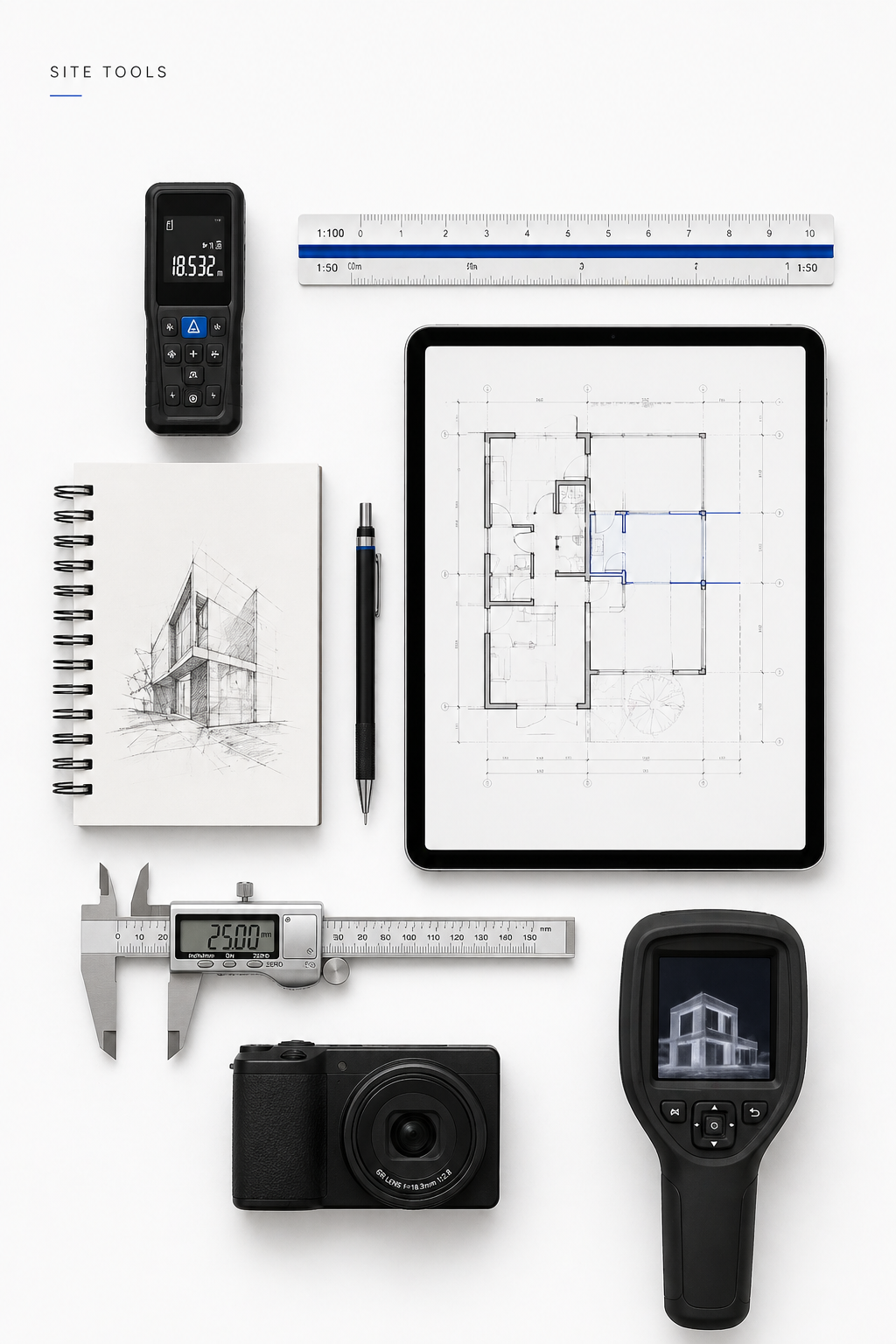
iPad Pro + Pencil. Sketching, markup, drawing review, and client communication all in one device. The combination of Morpholio Trace or Shapr3D with the Pencil covers most field annotation needs.
Laser measure. A pocket-sized one for quick site checks. Takes two seconds. Replaces a person.
Field notebook. Rite in the Rain or a standard Moleskine. Still the fastest way to capture a quick diagram or rough dimension in the middle of a conversation.
USB-C hub. Adapters for every connection type you might encounter. The kind of thing you only need once before you start carrying it everywhere.
Noise-canceling earbuds. For transit, focus work, and site visits where the noise makes conversation difficult.
Tape measure. Still useful for things a laser cannot handle — flexible materials, curved surfaces, quick checks where setting up a laser is slower than just measuring.
Mechanical pencil, Micron pens, small ruler. Hand sketching still happens in client meetings, site visits, and wherever a quick idea needs to be communicated without opening a laptop.
How to Pick
The list above is fifteen items. No one needs all fifteen. The useful question is which problems you run into regularly and which tools solve them.
Field-heavy work — site surveys, construction administration, client walkthroughs on site — needs a laser measure, a battery pack, and a rugged storage solution. Studio work needs a graphics tablet, good headphones, and probably a 3D printer if models are part of the workflow. Client presentation work needs VR or at minimum a portable projector.
Start with two or three tools that address problems you actually have. Add from there as the work demands it. The tools that get used every day justify their cost quickly. The ones that sit in a drawer after a month were a different kind of investment.
FAQ
What should a beginning architect buy first?
A laser tape measure and a graphics tablet cover the widest range of use cases for the least money. Both get used constantly across project types and career stages.
How do I know if a tool is worth buying?
If it solves a problem you encounter regularly and the time it saves pays back the cost within a reasonable period, it is worth it. If it solves a problem you encounter occasionally, it is probably not.
Should I buy new or secondhand?
For electronics, secondhand makes sense for tools that do not wear out quickly — headphones, tablets, external SSDs. For anything with mechanical parts or batteries — laser measures, power banks — buying new is usually worth it.
Can tools from other industries work for architects?
Most of the tools on this list are used across multiple industries. Laser measures, digital calipers, and portable scanners all originated outside architecture and transferred in because they solve real problems. The profession is not so specialized that it needs architecture-branded versions of everything.