
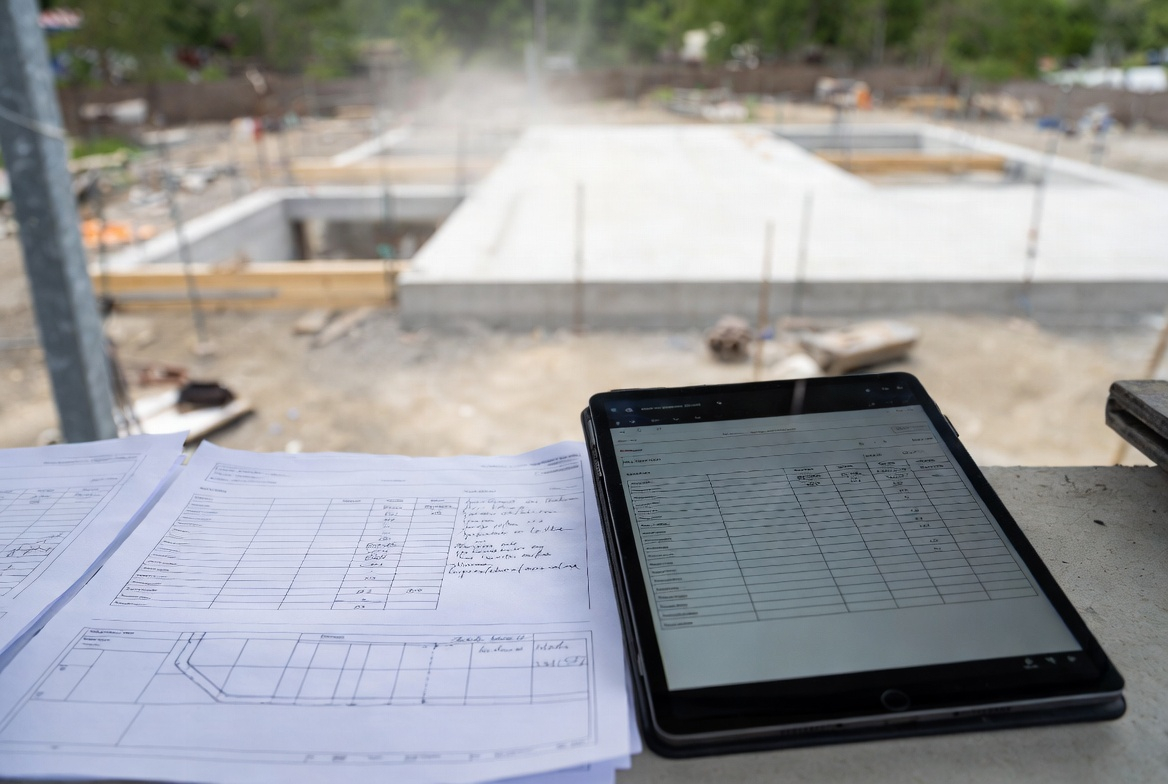
Construction project data tracking sounds like software talk. On site, it usually comes down to something more basic: who did what, where, against which drawing, and can anyone prove it later when the wall is closed, the slab is poured, or the argument starts.
That is why the tablet never fully killed the printed set.
The tablet is better at holding the live record. Current drawings. Photos. Daily reports. Inspection notes. Linked issues. Revision history. Printed sheets are still better when people need to stand in one spot, point at the same area, mark things up fast, and stop pretending everybody is looking at the same zoom level on a screen.
Good jobs use both. Bad jobs usually drift into one of two messes. Either everything lives in somebody's tablet and nobody else can follow it, or the field marks up paper all week and the real record never catches up.
This page is about the middle ground that actually works.
The tablet is not the record unless people trust it
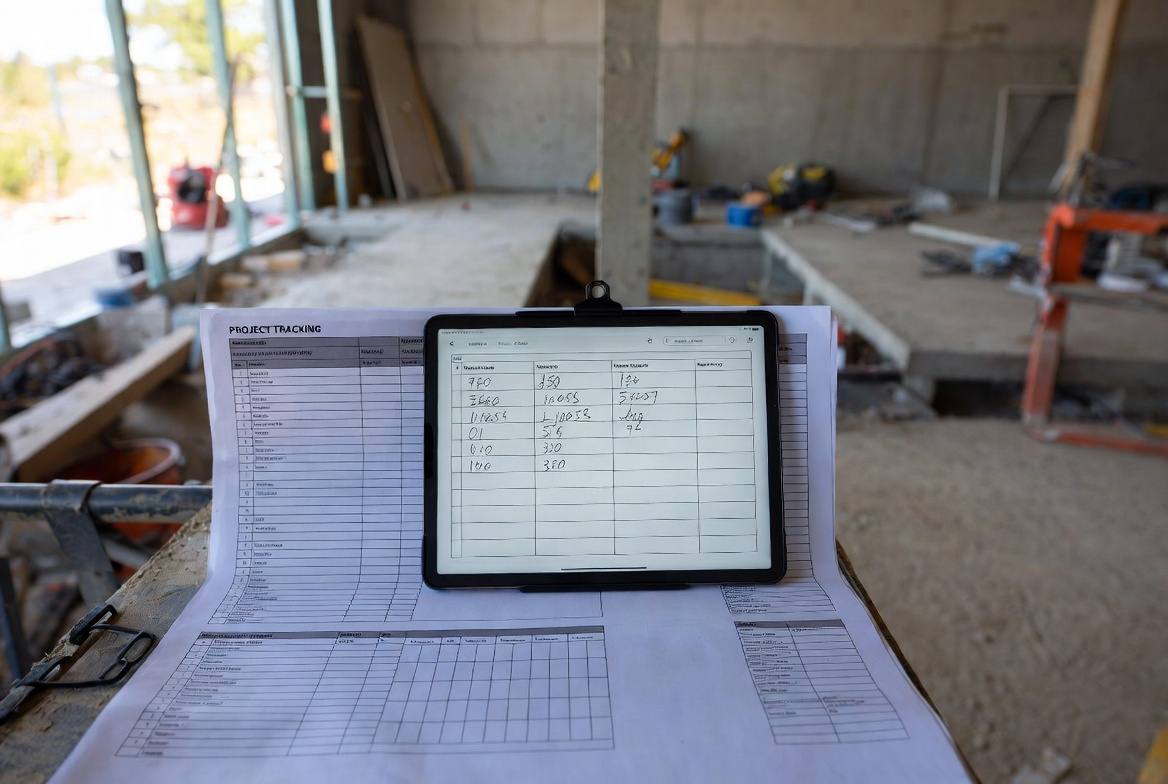
A lot of teams buy field tablets and think the problem is solved. It is not.
The device is not the system. The system is the habit. Current set. Clear location tag. Same-day note. Photo tied to the area. Open issue logged before it turns into a memory. If those things are loose, the tablet just becomes a cleaner-looking mess.
The same goes for paper. A printed set is useful. A printed set with no date, no revision check, and a month of loose redlines stuffed in the back seat of a truck is not useful. That is just another way to lose the trail.
What actually needs tracking
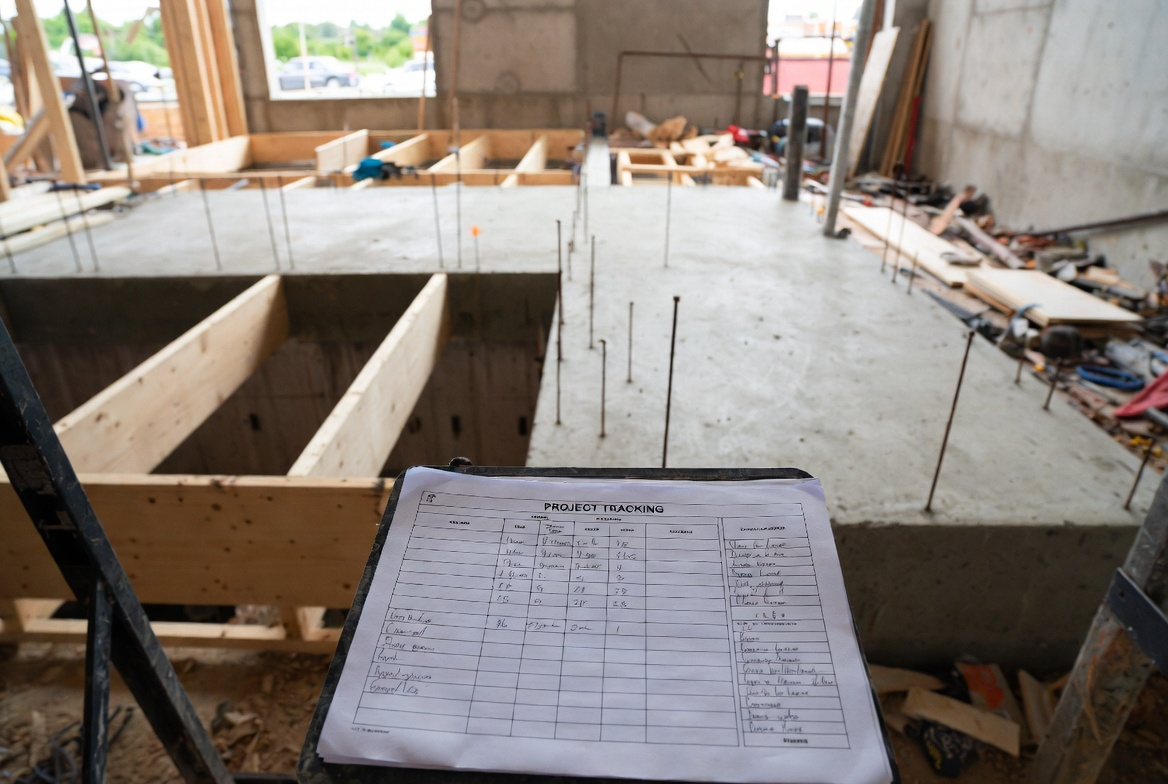
Not everything. That is where teams get buried.
The useful field record is narrower and more practical than people make it sound. It usually needs to capture installed quantities, labor and equipment in play, deliveries that matter, inspection status, test results, photos of conditions that will disappear, redlines, nonconforming work, and any change that affects cost, sequence, or what gets built next.
Then there is the part people skip. Each piece of that record needs a home. Level. Grid. Room. Unit. Station. Something consistent. Otherwise the project looks documented right up until someone tries to verify one exact condition and finds six photos, three notes, and no clear way to prove they are all talking about the same place.
Why the printed set refuses to die
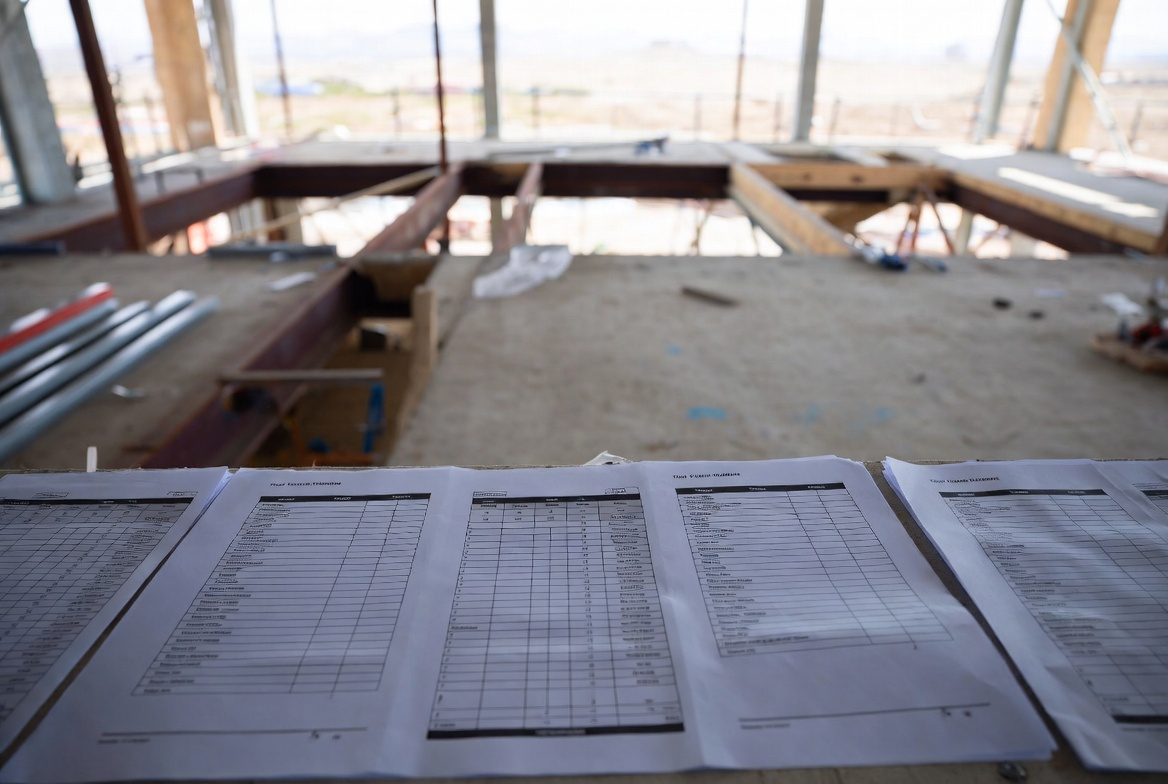
Because paper is still good at a few things.
Full-sheet reading is one of them. You can see the whole zone, trace a run, compare adjacent conditions, and circle a conflict without pinching and zooming your way through it. Field walks are another. Put a superintendent, foreman, inspector, and sub in one tight space and paper still moves faster than passing a tablet around.
Printed sheets also help when the conversation is rough and unfinished. Not polished. Not ready for a formal issue log yet. Someone draws a cloud, adds a note, crosses out an old assumption, and suddenly the problem is visible enough to sort out.
That does not make paper the official record. It just makes it a very effective working surface.
If the team is still getting slowed down by sheet language, tags, and basic plan navigation, Reading Blueprints: How to Read Plans Like a Pro helps more than another app tutorial ever will.
Keep the tablet as the live truth
This is where the split has to stay clean. The tablet, or whatever platform the project uses, should hold the current working truth.
That means the live drawing set. Dated and current. Daily reports written the same day, not rebuilt from memory later. Photos tied to a location and issue. Inspection results. Test records. Redlines that actually feed the as-built trail. Open items that somebody owns.
It also means the record has to connect across the job. If a field note becomes an RFI, and that RFI changes a condition, and that change affects closeout information later, those pieces should not live in three disconnected universes.
Better-run jobs set those rules early. What gets logged. How locations are named. Which file is current. Who updates what. Where closeout-bound information goes while the work is still moving. Call it BIM planning, data requirements, document control, or just basic project discipline. Same point either way. If nobody sets the rules early, the record starts splitting before the building is even dried in.
One clean way to run the check
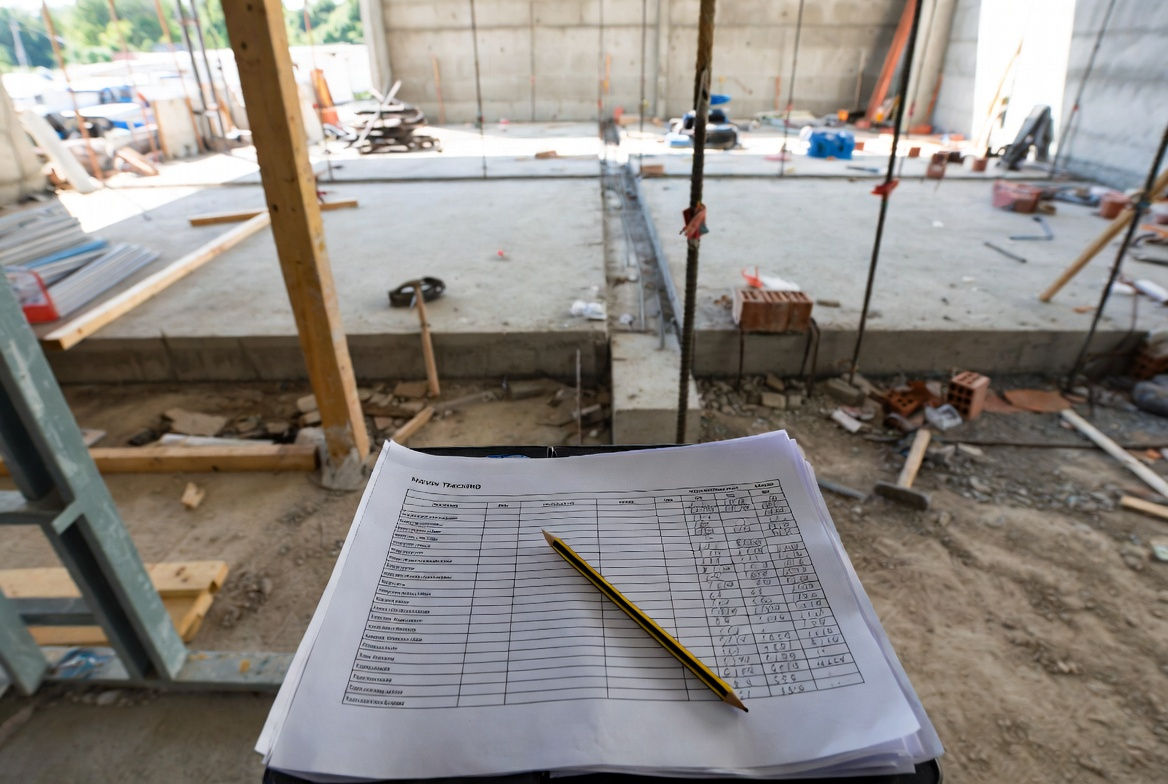
A lot of field verification problems come from sloppy sequence, not hard technical issues.
- Open the current issued set first. Not the screenshot. Not the PDF somebody downloaded last Thursday.
- Define the exact area. Level, grid, room, unit, or station. Pick one location system and use it every time.
- Check against the full instruction trail. Drawing, approved submittal, latest clarification, inspection requirement. Not just one sheet in isolation.
- Capture proof on the spot. Markup, measurement, note, or photo. Same moment. Same area.
- Log the mismatch while it is still in front of you. Wrong opening. Missing blocking. Unapproved product. Failed inspection item. Whatever it is, write it down now.
- Close it properly. Correction made. Recheck complete. Record updated. Redline updated if needed.
Simple. But it only works when the field does it the same way every time.
Capture it before it gets buried
This is where site teams lose the record.
Work that stays visible for two months can survive sloppy documentation a little longer. Work that disappears tomorrow cannot. Foundations, reinforcing, underslab services, waterproofing, rough-in above ceilings, firestopping behind finishes, backing, embeds, sleeves, anchor locations, field fixes to framing. Those need the record while they are still open, not after someone says, “We took photos somewhere.”
Same goes for changes that will matter at closeout. Equipment tags. Serial numbers. Startup notes. Product substitutions. Redlines that affect record drawings later. Teams that stay clean on closeout do not magically become organized at the end. They have been feeding that record the whole job.
Where good records usually go bad
Not in some dramatic way. Usually in small dumb ways.
- No one knows which printed set is current.
- Photos have no useful location tag.
- The daily report turns into filler text.
- One person keeps private redlines that never make it back into the shared record.
- The team records the same thing twice in two places and trusts neither one.
- Everybody uses different location names for the same area.
- The field waits too long to upload markups and loses the context.
That last one gets people all the time. A markup made during the walk makes perfect sense at 10:15. By that evening, it is already fuzzier. Three days later, it is a detective story.
The detail that wrecks the system
Location naming.
Not glamorous. Still the thing that breaks a lot of tracking workflows.
If one person logs “east corridor,” another logs “Area B,” and the inspector writes “Level 2 south hall,” the project may already be splitting its own memory. Analysis gets weak. Verification slows down. Closeout turns ugly.
Pick one field language and hold the line. Grid and level. Room number and level. Unit and elevation. Stationing. It does not matter much which one, as long as the whole project uses the same map.
Keep it light or the field will stop using it
This part matters more than the software pitch.
If the system asks a superintendent to write a novel every night, it will fail. If the foreman has to keep paper notes all week and “put them in later,” that will fail too. If the tablet workflow depends on perfect signal, perfect battery, and perfect patience, that will definitely fail.
The better version is lighter. One live digital record. One clearly dated paper working set. Same-day daily report. Photos with a real location tag. Markups uploaded before they go stale. Issues logged once, not three times in three formats.
Daily reports especially need discipline. Facts, not speeches. Who was there. What was installed. What was delayed. What was inspected. What changed. What was rejected. That kind of record holds up later because it is boring in the right way.
What people keep asking on site
Do tablets replace printed drawings on site?
Usually no. Tablets are better for the live record, current drawings, linked photos, and searchable issue history. Printed sheets are still better for fast field markup and whole-sheet review during real site conversations.
What should count as the official job record?
Usually the live digital platform or tablet workflow, not the paper set. Paper is the field working surface. The official record needs version control, shared access, and a clean trail back to the current documents.
What has to be updated the same day?
Daily reports, issue logs, inspection outcomes, important redlines, and photos of conditions that will disappear. Waiting too long is how the truth gets softer.
What is the biggest tracking mistake?
Capturing information without tying it to a clear location and current revision. That is how projects end up with a lot of data and not much proof.
Is this only a big-job problem?
No. Large projects need more structure, but even small jobs benefit from the same basic rule: record the condition, tie it to the right area, and make sure everyone is looking at the same current set.
Where do symbols and sheet language still matter?
Everywhere. Digital access does not fix weak drawing literacy. If the team still loses time on symbols, tags, and drawing notation, this guide to architectural drawing symbols is worth having close.
Final Notes
Construction project data tracking is not about looking modern because someone carries an iPad. It is about keeping the field record sharp enough that the team can check work, prove what changed, catch problems early, and hand over something usable at the end. The tablet should hold the live truth. The printed set should help the site see, talk, and mark up fast. Keep those roles clear and the record usually stays usable. Blur them and the job gets noisy fast.
Official sources
- CMAA: The Power of Contemporaneous Documentation
- CMAA: Delivering Dispute Free Construction Projects, Part II
- NIBS: Project BIM Requirements Standard
- NIBS: Project BIM Execution Planning Standard
- NIBS: COBie Standardized Information Exchange
- OAA and OGCA: Joint Best Practice Statement on As-Built and Record Drawings
- OAA and OGCA: Guide to Project Closeout Procedures