
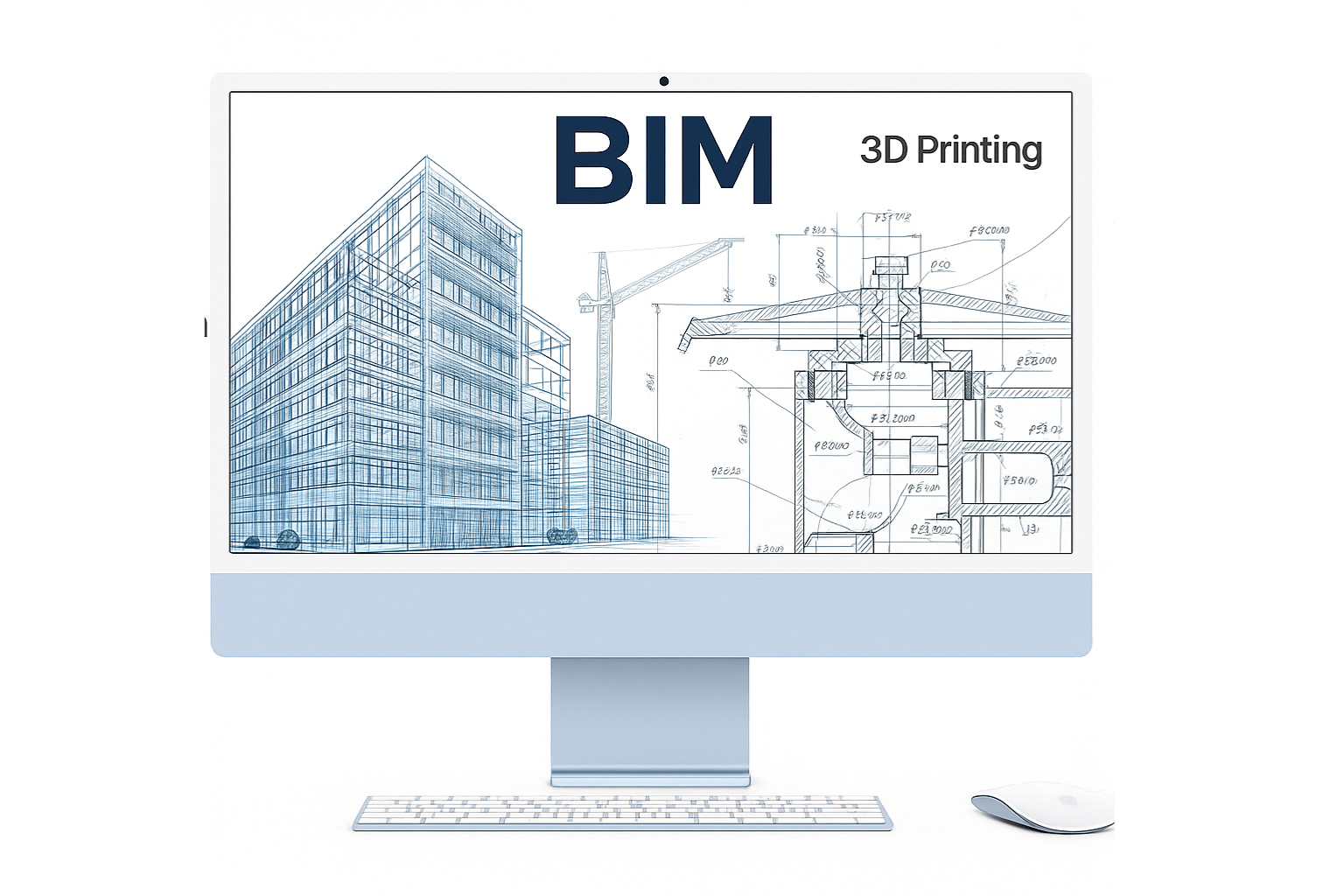
What Works on Real Projects
I’ve lost count of the number of tools we’ve tried in the last decade—some brilliant, some noisy. The pattern that’s held up across housing, healthcare, and civic work is simple: CAD for precision and speed at detail level, BIM for coordination and risk control, and AI (carefully) for exploration and repetitive drudge work. When we stack them right, we draw less, decide sooner, and discover clashes before they’re built in concrete and steel.
Below is exactly how we use each, with the moments that sold our team, the traps that burned hours, and the playbook we hand to new hires. I’ve tucked one solid book rec under each main section, the kind you keep open on the desk, not a coffee-table prop.
CAD: the detail machine (and where speed really lives)
We still draft. A lot. Not because we’re stuck in old habits, but because 2D/3D CAD is still the fastest way to lock down sheet-ready geometry when you already know what you’re building. Wall sections, stair packages, shop-drawing markups, addenda—CAD wins on turnaround time and surgical precision.
Where CAD paid for itself
-
Stairs and guardrails. We tried pushing a complex stair run end-to-end in BIM. Looked great, until we needed a last-minute code tweak to the guard picket spacing and a mid-landing nosing. CAD edits took hours instead of a day. The fabricator loved the clarity; field crews loved that our markups matched their language.
-
Envelope details. On a mid-rise with a tight rainscreen spec, the fastest path was a simple discipline: model the big moves in BIM, draft every tricky edge in CAD. Gaskets, clips, sealant beads—done. No exporting battles, no view-template wrestling.
Our CAD ground rules
-
1 file per sheet, references for everything else. Fewer corruptions, faster reloads.
-
Blocks for repeating details, never copy-paste and pray.
-
One lineweight philosophy, sheet-by-sheet, so permit sets read cleanly regardless of who touched the file.
Where CAD wastes time
-
Trying to “prove a concept” inside CAD. Don’t. Sketch, mass, or quick BIM for that. CAD is for decisions, not discovery.
Field pick
Modern Concrete Construction Manual: Structural Design, Material Properties, Sustainability — we grab it for buildable details and to sanity-check dimensions before a detail set goes out.
BIM: coordination, quantities, and not getting yelled at in OAC meetings
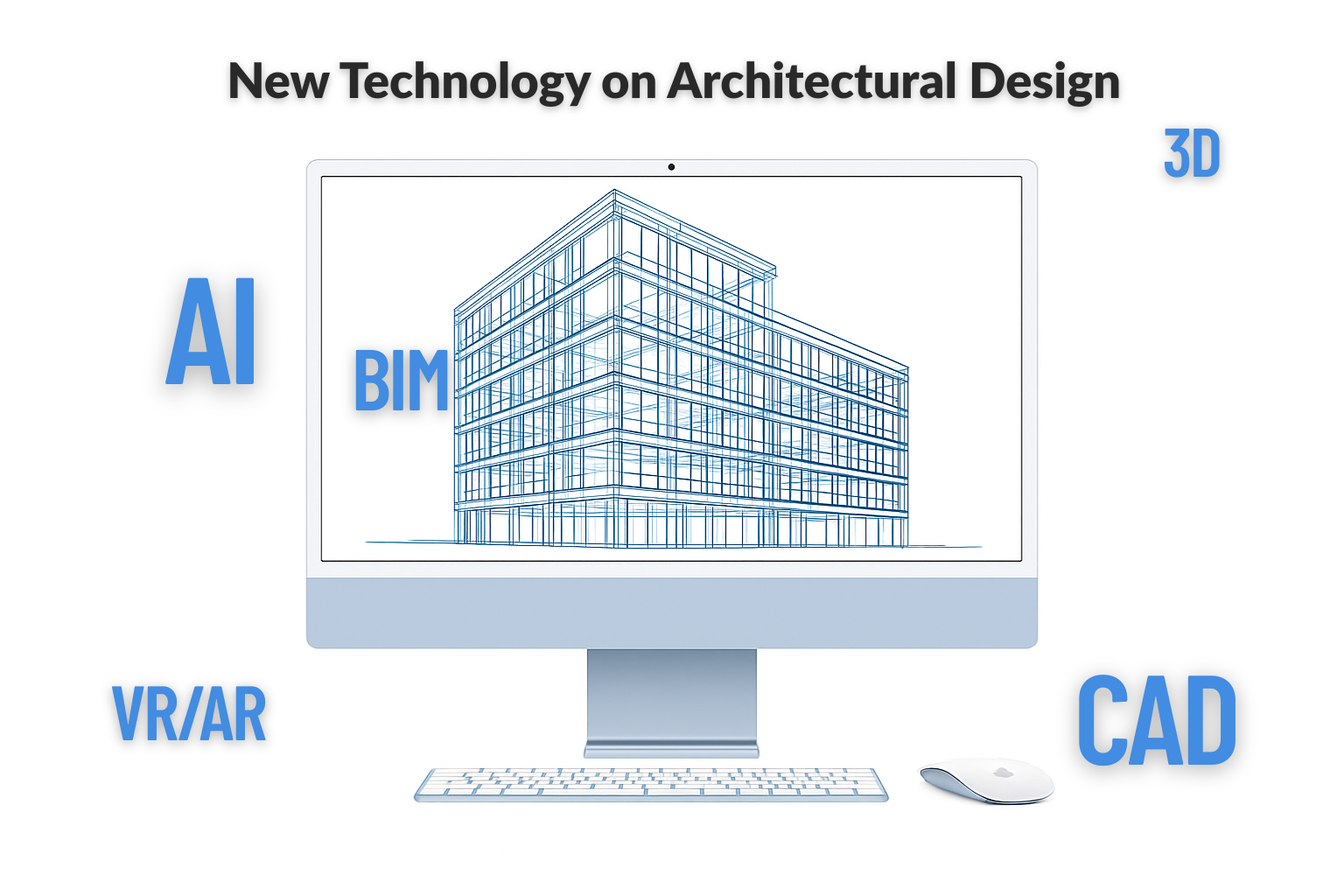
BIM is where risk disappears. Clash detection, quantity takeoffs, phasing, and design options—that’s the core. We use BIM to keep discipline models aligned, to run clash reports that mean something, and to package options so owners can say “go” without a three-week detour.
Moments that converted skeptics
-
MEP in a low floor-to-floor hospital wing. We routed med gas, duct, and cable trays in the ceiling zone and ran weekly clash audits. It felt slow at first. In the field, the GC’s change order log was cleaner than any previous phase—no night-shift reroutes, no “we’ll cut the soffit” compromises.
-
Alternates you can price without drama. Instead of the infamous “Option B.pdf,” we delivered two model options with scoped views (rooms, cores, envelope, MEP impacts) and a quick schedule delta. Estimating came back in days, not weeks. The owner made a real choice, not a guess.
How we structure models
-
One federated model for coordination, with strict workset/visibility rules per trade.
-
View templates by audience: authority, fabricator, client, internal. No one wades through visual noise they don’t need.
-
Design options only where decisions are real. Kill dead options quickly so schedules and quantities stay honest.
BIM mistakes we’ve made (and fixed)
-
Over-modeling early. We used to build perfect virtual buildings too soon. Now we mass + annotate for 20–30%, only moving to full objects once the client signs the target.
-
Letting links drift. Weekly link refreshes with a 10-minute “what changed” huddle keeps everyone in the same reality.
-
Clash spam. Aim clash rules at what can actually move. Nobody needs a report about thousands of pipe-to-fireproofing “collisions.”
What clients feel when BIM is working
-
Fewer surprises, tighter change windows, reliable quantities, and a clear picture of “what’s in / what’s out.” PMs get to plan, not referee.
Field pick (BIM/process)
Sustainable Construction: Green Building Design and Delivery — not a BIM manual, but the best book we’ve used for mapping process, roles, and deliverables to what owners actually care about. It makes BIM decisions legible to non-model people.
AI in practice: where it helps (and where it doesn’t)
AI is not designing buildings for us. It is shaving hours off grunt work and widening design exploration when used with guardrails.
What we actually use AI for
-
Concept generation with constraints. We prompt for massings that respect setbacks, aspect, daylight ranges, and unit counts, then rebuild the promising three in our own tools. It’s a 90-minute sprint that used to take a day.
-
Code cross-checks. We never trust a bot with liability, but we ask AI to list the sections we should be checking for a given occupancy and height. Then humans verify against the actual code text.
-
Room data sheets and scope matrices. Feed a sample, get a first pass, edit ruthlessly. The time savings are real.
-
Narratives and addendum cover notes. Drafts that sound human after one careful edit.
What we don’t use AI for
-
Life-safety decisions, structural logic, egress calcs. That stays human. Always.
One experiment we liked
-
Program adjacency options: AI proposed three adjacency diagrams we never would’ve drawn first. Two were nonsense. One was gold and became the backbone of the schematic layout. That one diagram paid for a week.
The UX rule
-
If a prompt takes longer than building a parametric scheme yourself, you’re doing it wrong. AI is a helper, not a crutch.
Field pick (AI/digital fabrication adjacent)
3D Concrete Printing Technology — not an “AI book,” but the clearest look we’ve found at where automation and design logic meet. Helpful for thinking about toolable geometries and what’s worth optimizing.
The collaboration stack that actually keeps projects calm
-
Issue tracking lives outside the model. BIM 360 / simple cloud PM tools beat comment clouds buried in sheet views. One source of truth, time-stamped, assignable.
-
Weekly 30-minute coordination calls with a standing agenda: changes since last link, three biggest risks, decisions needed, next dates.
-
Design logs visible to everyone. If a choice hits cost or schedule, it’s logged. No “hidden” decisions in inboxes.
A tight habit
Every Friday we export a “What changed?” story—three images and a paragraph for internal + owner. It kills rumor mills and gets better feedback than a 70-page PDF.
Visualization and XR that owners actually use
-
Real-time renders sell lighting and material intent early; save the cinematic stuff for DD/marketing.
-
Headsets only when there’s a reason: sightline tests in complex public spaces, mockups for clinical rooms where inches matter. A five-minute focused VR session often avoids a redo worth thousands.
Quantity, schedules, and the money talk
-
BIM schedules for all repetitive elements—doors, windows, casework, fixtures. One controlled schedule drives all sheets.
-
Early takeoffs tied to alternates. If you can flip an option on and watch quantities/areas shift, you will save weeks in estimating cycles.
Field pick (cost/quantities)
Life Cycle Assessment Handbook — when owners want numbers past first cost, this is how we explain the math cleanly and defend our choices.
Clash detection without the spam
We stopped treating clash detection like a button you press at the end of the week. When you run it that way, you get a 3,000-row spreadsheet nobody reads and ten angry emails about problems that don’t matter. The goal is simple: surface the handful of conflicts that will actually blow the schedule or cost money, then fix them fast.
Set rules that reflect how things are built
Our rules mirror constructability. We target ducts vs. structure, structure vs. risers, MEP vs. ceiling clearances, and shafts vs. fire separations. We don’t waste time on “collisions” like insulation touching gypsum or a light fixture grazing a generic clearance box. If it won’t stop an installer or trigger a change order, it’s noise.
Run it on a cadence, not a crisis
Every Tuesday, models link into a federated file with locked coordinates. We run the same clash sets, same tolerances, and publish a one-page summary by noon. Ten minutes on the stand-up agenda covers what changed and who owns the fixes. Because the rules don’t shift, trend lines mean something—new clashes are obvious, and recurring offenders are easy to spot.
Outputs people actually act on
We use a traffic-light system instead of dump files:
Red: hard stops—duct into beam, riser through transfer girder, sprinkler main blocking access panel. These get an immediate redesign task and a due date.
Amber: verify in field—hanger conflicts, tight tolerances, clearance margins that depend on shop standards. QC with the trade lead before we spend design hours.
Green: informational or already resolved—logged once, then suppressed from future reports to keep the list clean.
People read colors; they don’t read CSVs.
Ownership is the whole game
Every red item gets a single owner and a single deadline. No “team” assignees. The note includes the proposed resolution (reroute, notch, shift elevation, resize) and who must sign off (structure, architect, trade). We close the loop with a screenshot of the fix and the new clearance dimension, then archive the clash so it doesn’t reappear.
The tolerances that keep us honest
We clash geometry with real-world buffers: duct depth + insulation, beam depth + fireproofing, ceiling height minus required access zones. If a family doesn’t carry those layers, we add a proxy clearance solid so the report reflects the thing that will arrive on site, not the prettified version in the model.
Field-backed priorities
Installers helped us rank pain. Structural conflicts are first, then big wet services, then electrics in dense ceilings. Small conduit fights rarely delay work—don’t let them bury the needle-movers. When a superintendent says, “that one will hold my crew,” it becomes red by definition.
What we ignore (on purpose)
Finish-to-finish “touches,” annotation collisions, placeholder equipment volumes, and anything inside a temporary massing model. If it won’t exist in the field, it doesn’t belong in the report. We keep those out so the list stays short and the fixes stay focused.
Model hygiene that prevents half the clashes
Weekly link refresh with a “what changed” snapshot; purge orphaned families; freeze levels and grids; and lock scope boxes. Ninety percent of coordinate drift clashes came from sloppy linking and ad-hoc scope box edits. We removed that variable and the report quality jumped overnight.
Numbers we track (quietly)
We don’t post leaderboards, but we do watch three metrics: total reds per week, average days-to-close, and repeat-offender count by trade. If reds rise after a design change, we adjust the rule set. If days-to-close creeps up, we’re waiting on decisions, not modeling; we escalate in the OAC.
Common traps—and how we fixed them
Running “everything vs everything” produced novels nobody read; we split by zone and by priority. Auto-assigning clashes to whoever modeled last led to finger-pointing; we assign by who can move. Treating clash as a Friday activity meant weekend rework; we moved it to Tuesday so fixes land before end-of-week model drops.
Deliverable the team will open
One page, four images: plan, section, 3D, and a markup with the proposed reroute drawn right on it. One paragraph of context and two bullet decisions needed. That’s it. Attach the full BCF set for traceability, but keep the cover light and readable.
Result on site
Ceiling heights hold, soffits don’t “grow” at the eleventh hour, and the change-order log stays boring. Most important, coordination meetings get shorter because we’re talking about three fixes that matter, not three thousand that don’t.
Design options that remain under control
Cut the clutter early
I have seen too many projects where options multiply like weeds. One week it is A, B, and C. By the next meeting, there are six versions of the same corridor, and no one remembers which one has the fire stair that actually works. That is how time gets burned. The rule we enforce now: no more than three live options.
Kill the dead ones fast
The moment an option loses steam—client says no, cost balloons, or structure calls it unbuildable—it gets archived. Not “saved for later.” Archived and stripped from schedules, views, and reports. Keeping ghosts alive poisons the model. They creep into quantities, clash reports, even cost checks, and you end up fighting about square footage for a scheme that does not exist.
Package them like a board set
The survivors get packaged with discipline. Each option gets the same views: plan and section to show geometry, one daylight or render snapshot, a cost delta, and a simple phasing note. Side by side, they read like apples to apples. That is what lets an owner point and say, “Pick B,” without dragging the team into another three weeks of limbo.
Consistency makes the decision
If one option has a beautiful daylight study and the others do not, the debate tilts. If only one shows the cost delta, the numbers become the conversation instead of the design. Consistency forces everyone to talk about the actual differences, not who had the flashier presentation.
Options are currency
Every option costs staff hours, model space, and client attention. Treat them like money. Spend them carefully, and account for each one. The projects where we kept that discipline moved faster, hit fewer surprises, and got owners to decisions they could live with.
The unexpected lesson
The strangest moment came on a housing project when we limited options to three. The client was annoyed at first—“why can’t we have more to choose from?” Two weeks later, they admitted it was the first time they actually slept at night. Too many choices had been their real stress point. That was the curveball: restraint, not abundance, is what gave them peace of mind.
Digital twins and handover that owners actually use
-
We don’t promise sci-fi. A useful “twin” at turnover is an as-built model with correct systems, tags, and basic asset data. The moment the facility team can click a VAV box and read part numbers/service intervals, you’ve delivered value.
Training New Team Members: Two Weeks to Useful
Week 1: Learning the ropes without drowning
The first week is about orientation, not production. New staff sit down with our CAD line standards, BIM view templates, and sheet setup rules. We walk them through how we name things, where files live, and what gets logged. It sounds dry, but this is the backbone—without it, drawings look like a patchwork quilt.
What works: pair every lesson with a live set. Let them see how a stair detail looks when done right, or how a BIM view template shapes what the engineer sees. That grounds the standards in reality.
Week 2: From watching to doing
By the second week, we move from explanation to redlines. They take an old project, race through a set of markups, and get daily feedback. Once they stop tripping on lineweights and text styles, we drop them into a live job—controlled production, one or two sheets at first.
One mentor checks in daily, nothing long, just ten minutes. Wins matter more than speed. A clean door schedule or a corrected stair section beats “look how many sheets I touched.”
The rhythm we keep
Every day has a target. Monday: fix five details. Tuesday: set up one sheet. Wednesday: update a door schedule. Thursday: run a clash test with a senior watching. Friday: review what changed and what stuck. By the end of two weeks, they’re contributing instead of shadowing.
What not to do
Don’t dump them straight into a 500-sheet BIM model. They’ll get lost and waste hours just finding the right view. Don’t hand them “creative freedom” either. Constraints teach faster than blank canvases.
Why this road map works
Two weeks is short, but it’s enough to build muscle memory. They get used to the tools, the standards, and the pace of feedback. After that, training is less about “how” and more about judgment.
The unexpected part
One hire figured out our section-head style faster than anyone—and then used AI to auto-format text in a way that shaved hours off sheet setup. That wasn’t in the plan. Sometimes the best payoff of this two-week road map is spotting who bends the rules in a way worth keeping.
Pitfalls (learn from ours)
-
Export hell. Clean up lineweights and fonts with a 10-minute test sheet before you push 80 sheets to a consultant.
-
Model bloat. Purge view templates and families monthly. A slow model burns morale.
-
“Let’s automate this” syndrome. If a script takes longer than doing the task twice by hand, it’s not worth it yet.
-
Unowned alternates. Name a single owner for each option. Orphans linger and break deliverables.
How we decide which tool to use
The choice isn’t random. After years of trial and plenty of wasted hours, we’ve boiled it down to a few field-tested rules. If a detail set has to land on someone’s desk tomorrow morning, CAD is still the fastest path. Nothing else beats it for sharp, sheet-ready lines that inspectors and fabricators can actually build from.
When multiple trades are colliding in the same ceiling plenum or core, BIM takes over. That’s where coordination pays for itself. One missed clash between ductwork and structure can blow a week’s schedule, and BIM lets us catch it before the steel is cut.
If the shape itself isn’t clear yet, forcing it through CAD or even BIM is a waste. We’ll rough out quick masses, sometimes with AI nudging a few wild options onto the table, then rebuild the promising ones properly. It keeps design energy high without bloating the model.
And when an owner simply can’t see what we’re talking about, we don’t argue with PDFs. We spin up a real-time render or throw on a headset for a five-minute walkthrough. That moment of clarity saves weeks of “what if” emails.
That’s the pattern that’s held up on real jobs: CAD when speed matters, BIM when risk matters, AI for exploration, and visualization tools when trust needs building.
A small case bundle
Clinic fit-out, tight ceiling plenum
We modeled only what could crash: ducts, mains, sprinkler, and the architectural lid. Weekly clashes + a rule that staff cannot “solve” by dropping the ceiling. The field team got a ceiling height we could defend, and we avoided the usual “just one more soffit” creep.
Library renovation
We used BIM to replace “Option PDFs” with live design options and a three-image change log each Friday. The board felt included, decisions came faster, and we didn’t whiplash the consultants.
Housing on a brutal schedule
We kept the plans in BIM, but all waterproofing/stair details stayed in CAD. Submittal review ran fast because every detail looked like it came from the fabricator’s world.
FAQ
(the way we answer in meetings)
Do you fully model everything from day one?
No. Mass + annotate for the first 20–30%. Build detail where decisions are real. It keeps the model useful instead of heavy.
Can AI write our code narrative?
It can draft a checklist and help you not forget a clause. Humans still own life-safety and liability.
Why are your clash reports so short?
Because the long ones waste time. We clash what can move, label by trade, and point to three fixes each week.
Do owners need fancy viewers?
A couple of free web viewers and a weekly three-image update beat complex portals. Keep it simple and they’ll actually look.
Books we actively use (one per pillar)
-
Modern Concrete Construction Manual — detail sanity-checks that make CAD faster and clearer.
-
Sustainable Construction: Green Building Design and Delivery — the best framework we’ve found for aligning BIM deliverables with what owners value.
-
3D Concrete Printing Technology — helps think through automation-friendly geometries and where AI/digital fabrication interplay makes sense.
(If you want a fourth that sits on nearly every desk here: Why Buildings Fall Down — sharpens your “what really matters” instincts when you’re tempted to over-model something that simply needs to be built right.
Want related deep-dives next?
- Technological Advancements in Architectural Design — your broader umbrella for tools and process
- Concrete in Architecture: Innovations, Applications, and Visionary Designs — when clients ask how tech choices shape form
- The Complete List of Building Materials: Key Types and Their Applications — good context when spec choices intersect with your BIM deliverables
Bottom line
We don’t chase software for its own sake. We use CAD to draw cleanly, BIM to remove risk, and AI to widen options and cut drudge work. That mix has made our sets clearer, our coordination calmer, and our site meetings shorter. If your day still feels like firefighting, start with just two changes: weekly clash rules that matter and a three-image “what changed” story every Friday. Everything else gets easier from there.